# Add an image to a news and events
Users can add an image and a thumbnail to illustrate a news/events item.
- the thumbnail (mandatory for news items) will appear in the news/events list on the [MyUnil](https://my.unil.ch/news/) site and on the [News](https://www.unil.ch/news/en/home/unil.html) or [Events](https://www.unil.ch/events/en/home/unil.html) sites, as well as on the [Unil](https://www.unil.ch/unil/en/home.html) site
- the main image will be placed at the very beginning of the content when viewed
#### Workflow step: Images / video
[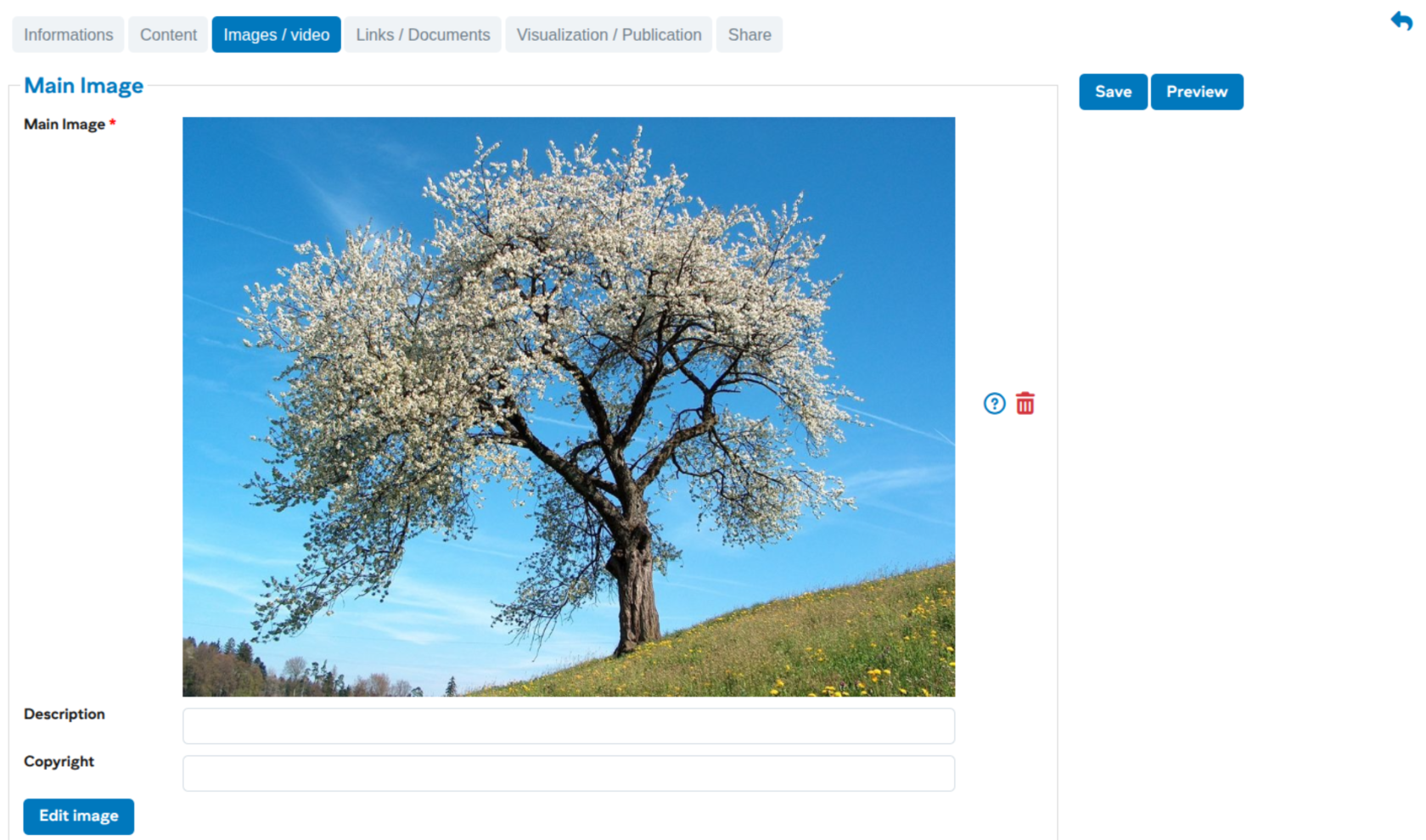](https://wiki.unil.ch/ci/uploads/images/gallery/2026-01/NOaimage.png)
As with adding images to the content, it is essential to crop the image to the correct format before usage ([see here for cropping](https://wiki.unil.ch/ci/books/myunil-and-newsunil-en/page/editing-newsevent-content)).