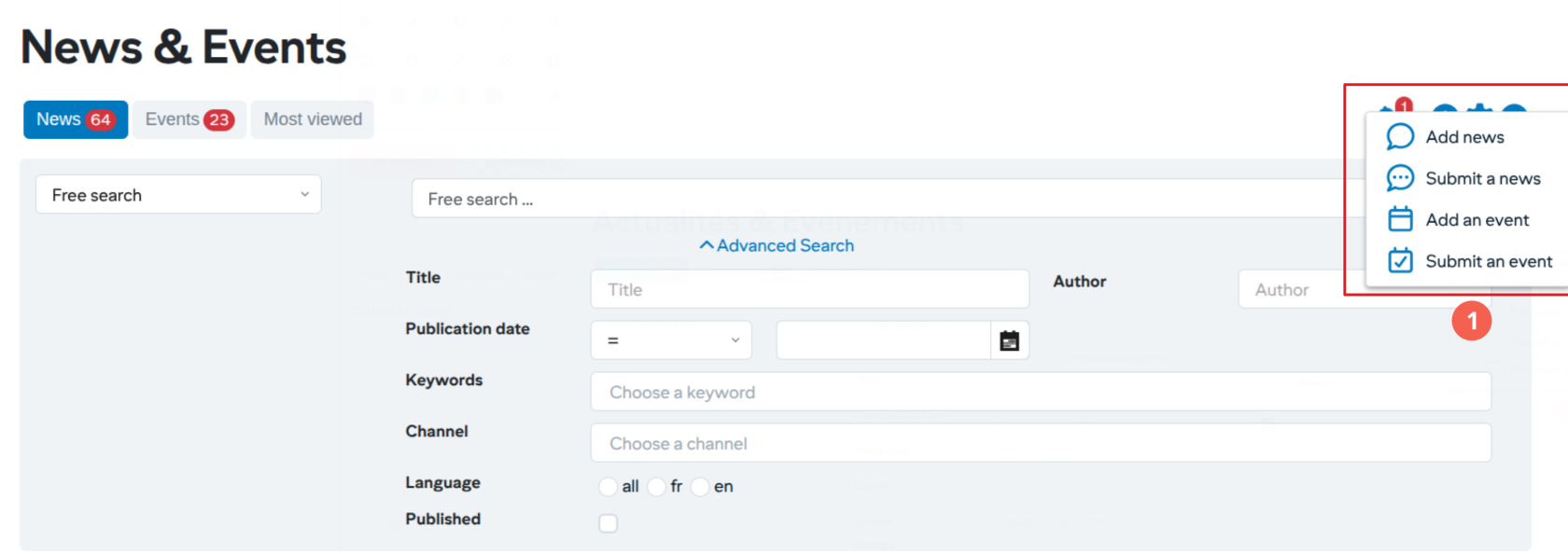
# Adding news or events

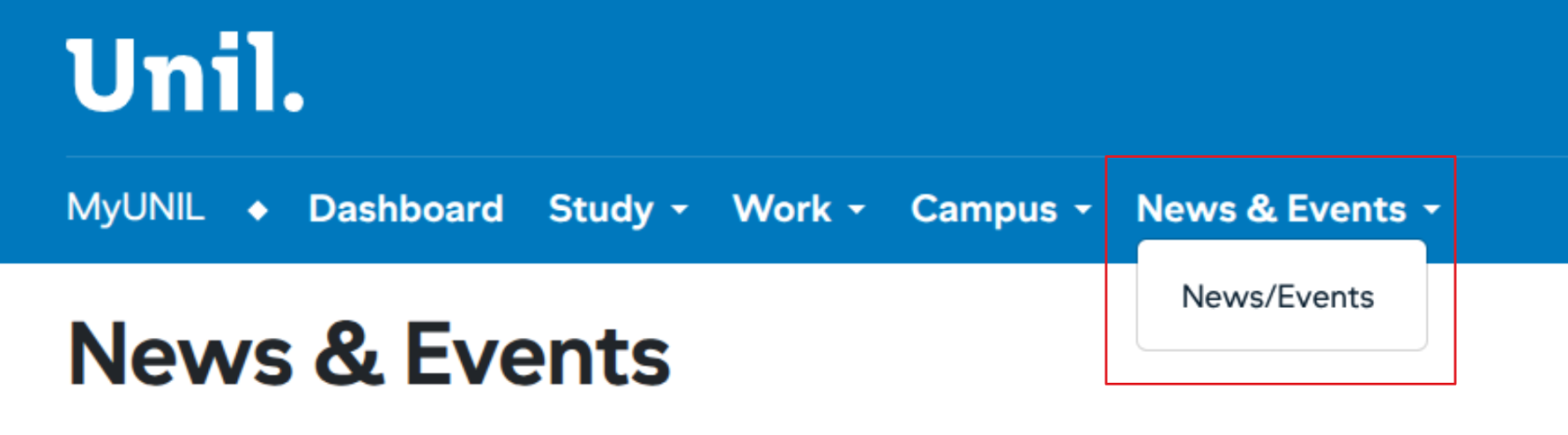
Users with a write-right in one of the news channels can access news management from the “News / Events” tab

[![image.png](https://wiki.unil.ch/ci/uploads/images/gallery/2026-01/scaled-1680-/U6nimage.png)](https://wiki.unil.ch/ci/uploads/images/gallery/2026-01/U6nimage.png)
<span id="bkmrk--3"></span>

### Ajouter une actualité/événement

[![image.png](https://wiki.unil.ch/ci/uploads/images/gallery/2026-01/scaled-1680-/N9limage.png)](https://wiki.unil.ch/ci/uploads/images/gallery/2026-01/N9limage.png)

<div class="entry-content clearfix" id="bkmrk-to-add-a-news-item-s"><div class="entry-content clearfix">1. <span lang="en">To add a news item simply click on the + button in the action area</span>
    
    <div class="tw-ta-container tw-nfl" id="bkmrk--5"></div>

<div class="tw-ta-container tw-nfl">  
</div></div></div>#### <span lang="en">Stages of the input workflow</span>

<div class="entry-content clearfix" id="bkmrk--6"><div class="entry-content clearfix"><div class="tw-ta-container tw-nfl" id="bkmrk--7"></div></div></div>[![image.png](https://wiki.unil.ch/ci/uploads/images/gallery/2026-01/scaled-1680-/A3Cimage.png)](https://wiki.unil.ch/ci/uploads/images/gallery/2026-01/A3Cimage.png)

<div class="entry-content clearfix" id="bkmrk-stages-of-the-input--1"><div class="entry-content clearfix">1. Stages of the input workflow 
    1. **Informations**: Entering general information
    2. **Contents**: Entering news content
    3. **Images/Videos**: Addition of the mandatory image and a possible illustrative video
    4. **Links/Files:** Adding specific links or documents
    5. **Publication:** Preview the object before publishing and add keywords
    6. **Sharing:** Sharing on social networks or proposal to other channels
2. Actions to move around in the workflow
3. Cancel the entry

</div></div>#### <span lang="en">Post a news</span>

[![image.png](https://wiki.unil.ch/ci/uploads/images/gallery/2026-01/scaled-1680-/OD5image.png)](https://wiki.unil.ch/ci/uploads/images/gallery/2026-01/OD5image.png)

<div class="entry-content clearfix" id="bkmrk-entering-publication">1. Entering publication information (dates, keywords, authors and language)
2. Actions (with possible preview before publication)

</div>