[ Français](https://wiki.unil.ch/ci/books/research-data-storage/chapter/donnees-sensibles-tresorit)
Tresorit is a **file storage and sharing service**. It offers enhanced security through advanced access control and data **encryption** (see [FAQ](https://wiki.unil.ch/ci/books/research-data-storage/page/faq-tresorit-h5G)). This solution has been selected by UNIL since October 2023 for the storage of **sensitive research data** ([LPrD art. 4](https://prestations.vd.ch/pub/blv-publication/actes/consolide/172.65?key=1543934892528&id=cf9df545-13f7-4106-a95b-9b3ab8fa8b01)). UNIL researchers are therefore encouraged to use it. Use is free for researchers up to **2 TB** per user. Simply make a request to your **data steward** as indicated in the [FAQ](https://wiki.unil.ch/ci/books/research-data-storage/page/faq-tresorit-h5G). Please note that the request must be made by a **project leader** (Principal Investigator as designated in [directive 4.5 art. 4](https://www.unil.ch/files/live/sites/central/files/textes-leg/4-rech/dir4-5-donnees-rech.pdf)). Each new research project is associated with a new application. In practice, Tresorit takes the form of a web interface, or software to be installed on your computer, which enables you to deposit and share your research data between project members. The data is stored online in encrypted form. It can be synchronised on your computer's hard drive and accessed locally. A project leader can decide to invite collaborators (from within or outside UNIL). The only constraint is that employees must make an **appointment** with CI/DCSR staff to obtain their account. A group appointment is possible to speed up the procedure. During the appointment, we will activate your computer's encryption. Note that the appointment is also necessary if your computer is already encrypted. View of the Tresorit web interface: [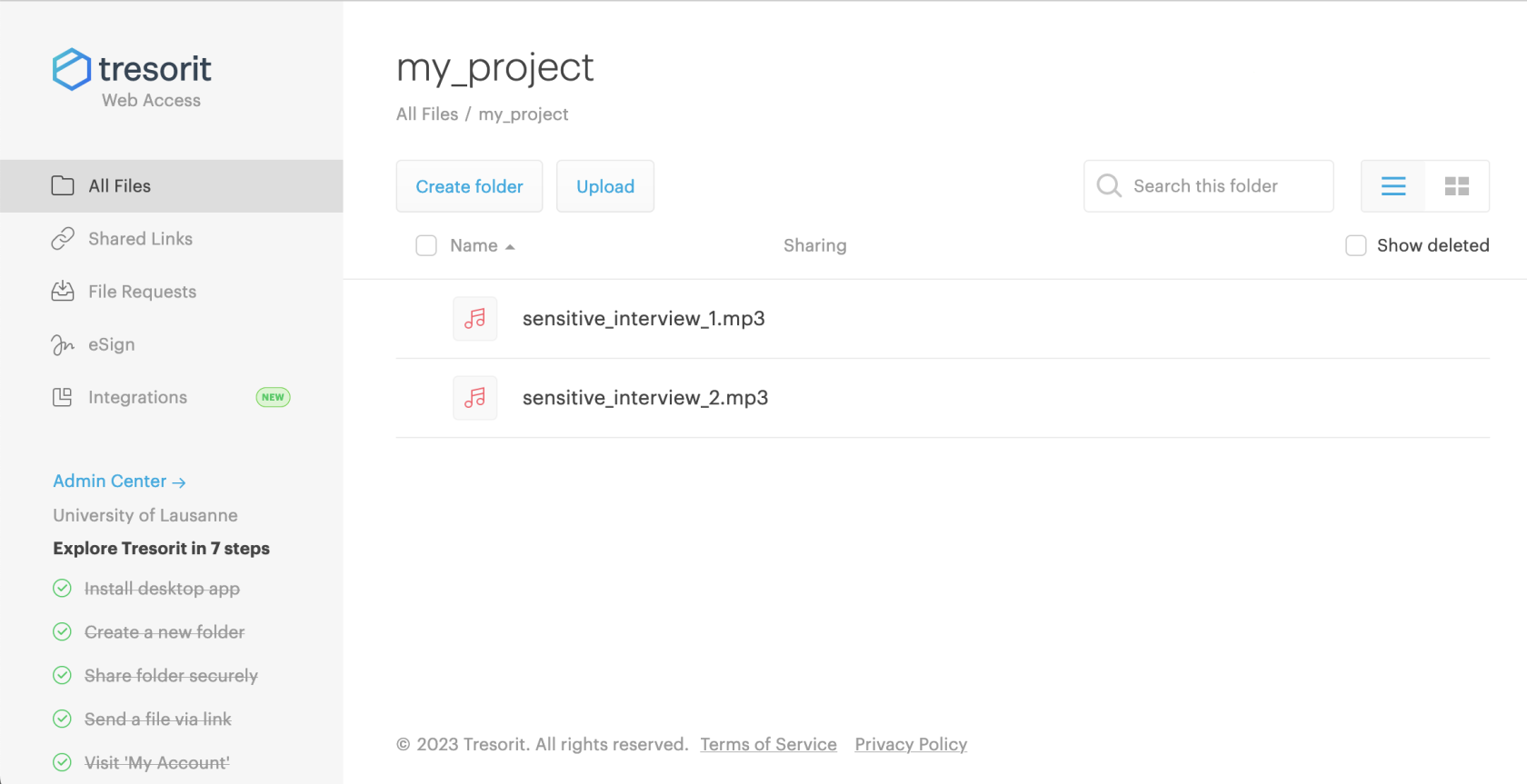](https://wiki.unil.ch/ci/uploads/images/gallery/2023-12/screenshot-2023-12-22-at-18-08-17.png) View of the Tresorit software installed on your computer: [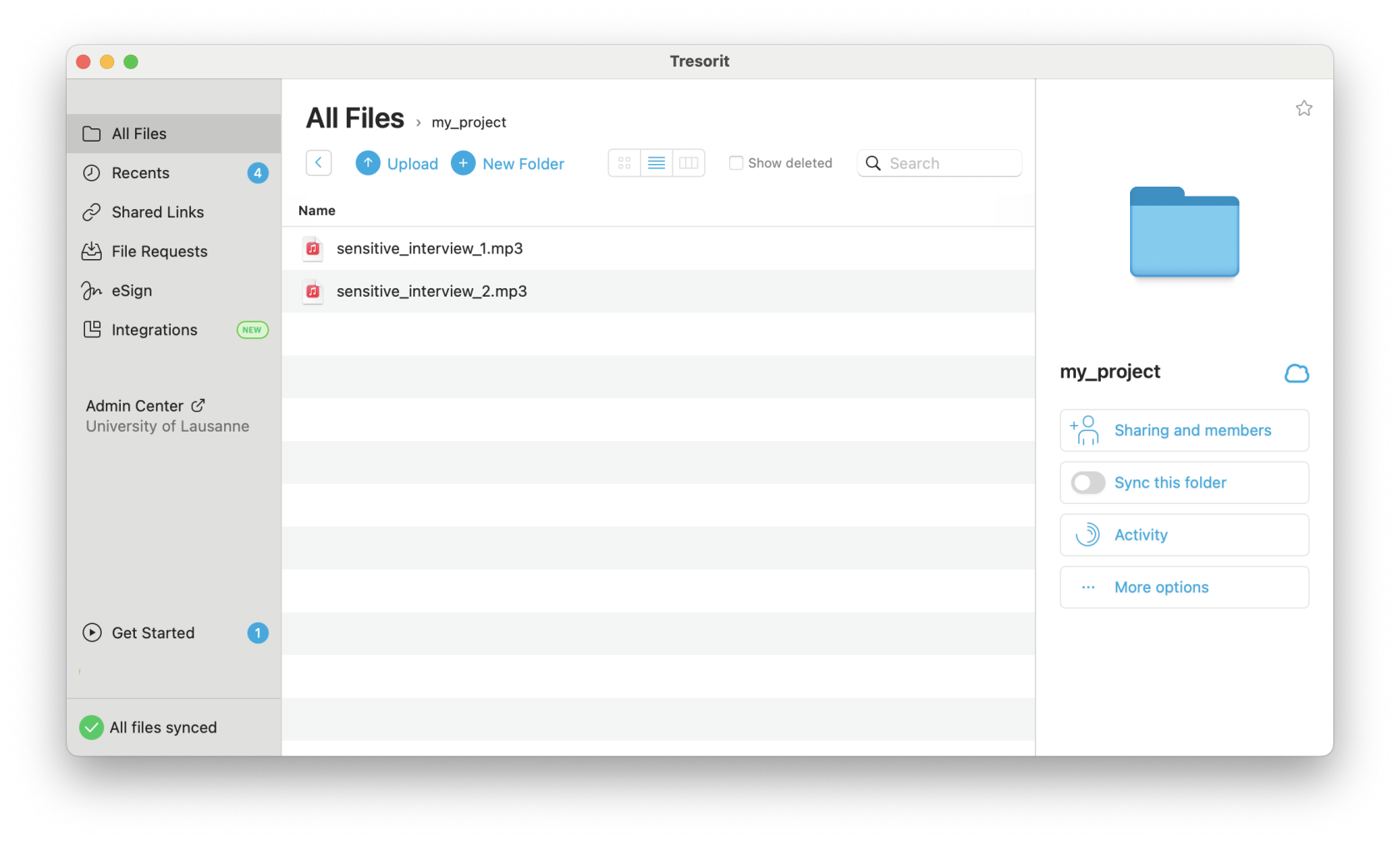](https://wiki.unil.ch/ci/uploads/images/gallery/2023-12/screenshot-2023-12-22-at-18-10-04.png) # How do I use Tresorit?[ Français](https://wiki.unil.ch/ci/books/research-data-storage/chapter/donnees-sensibles-tresorit)
##### Using the web interface Before using Tresorit at UNIL, you must follow the procedure indicated in the "[Who should I contact to request access to Tresorit](https://wiki.unil.ch/ci/link/1625#bkmrk-who-should-i-contact)" section of the FAQ. This includes a face-to-face appointment. To access the Tresorit online interface, log in at: [https://web.tresorit.com](https://web.tresorit.com) - **UNIL employees**: log in with your UNIL e-mail address and your Tresorit password. - **External employees**: log in with the e-mail address you used for your Tresorit appointment and your Tresorit password. If you have forgotten your password, contact us using [this contact form](https://www.unil.ch/ci/home/menuinst/calcul--soutien-recherche/contact-en.html). You can also contact the Helpdesk (Please note that Tresorit will offer you a tutorial including the installation of Android or iOS applications, as well as the possibility of sharing files by link. These steps should be ignored as they are prohibited for UNIL Tresorit accounts.
[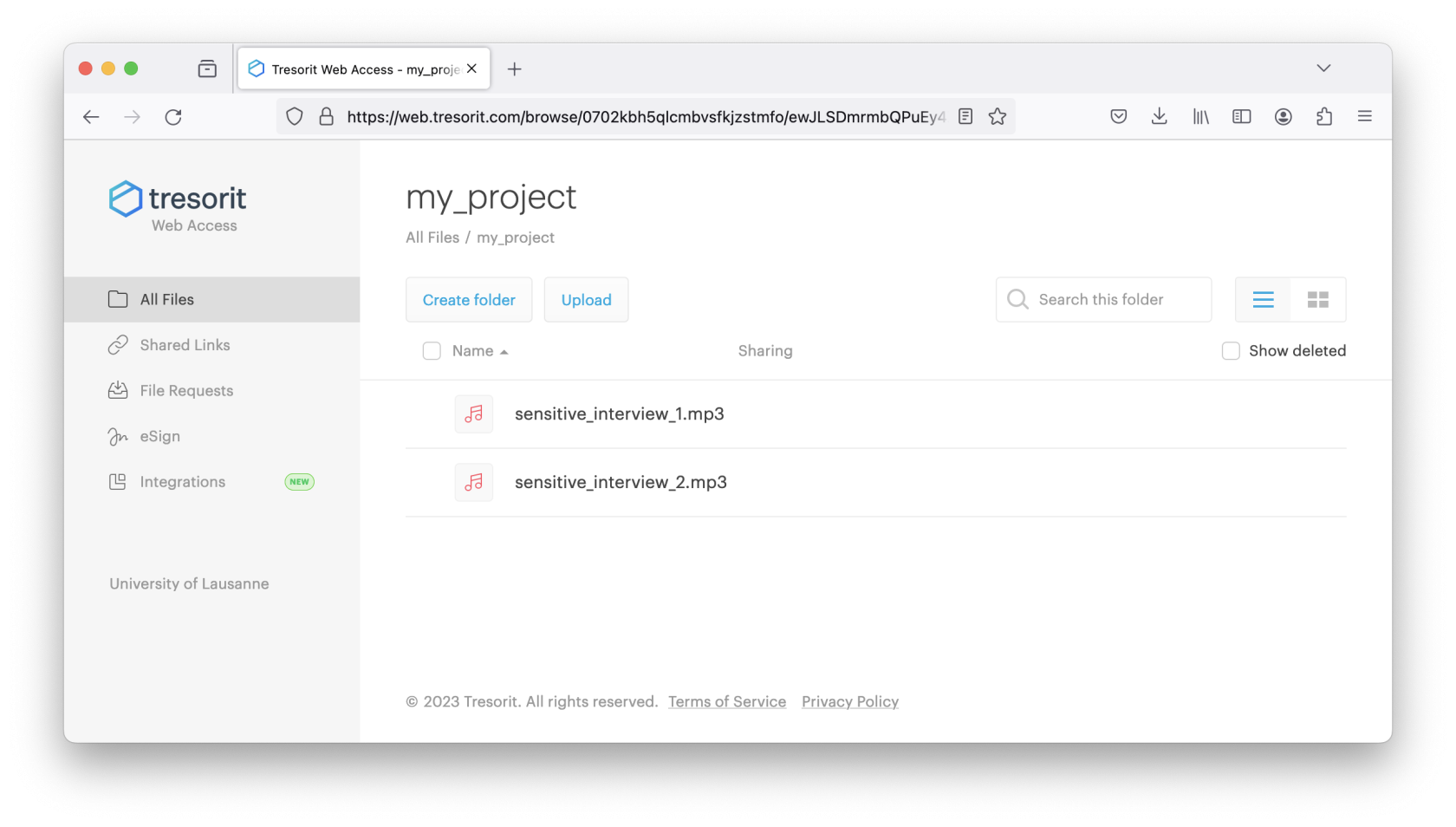](https://wiki.unil.ch/ci/uploads/images/gallery/2023-12/screenshot-2023-12-22-at-18-20-59.png) ##### Uploading a file to Tresorit To upload a file to Tresorit, double-click on the folder corresponding to your project to move inside. Then click on the "Import" button and select the folder or files you want. You can also drag and drop your files to the web interface. The data will then be copied to Tresorit online storage. [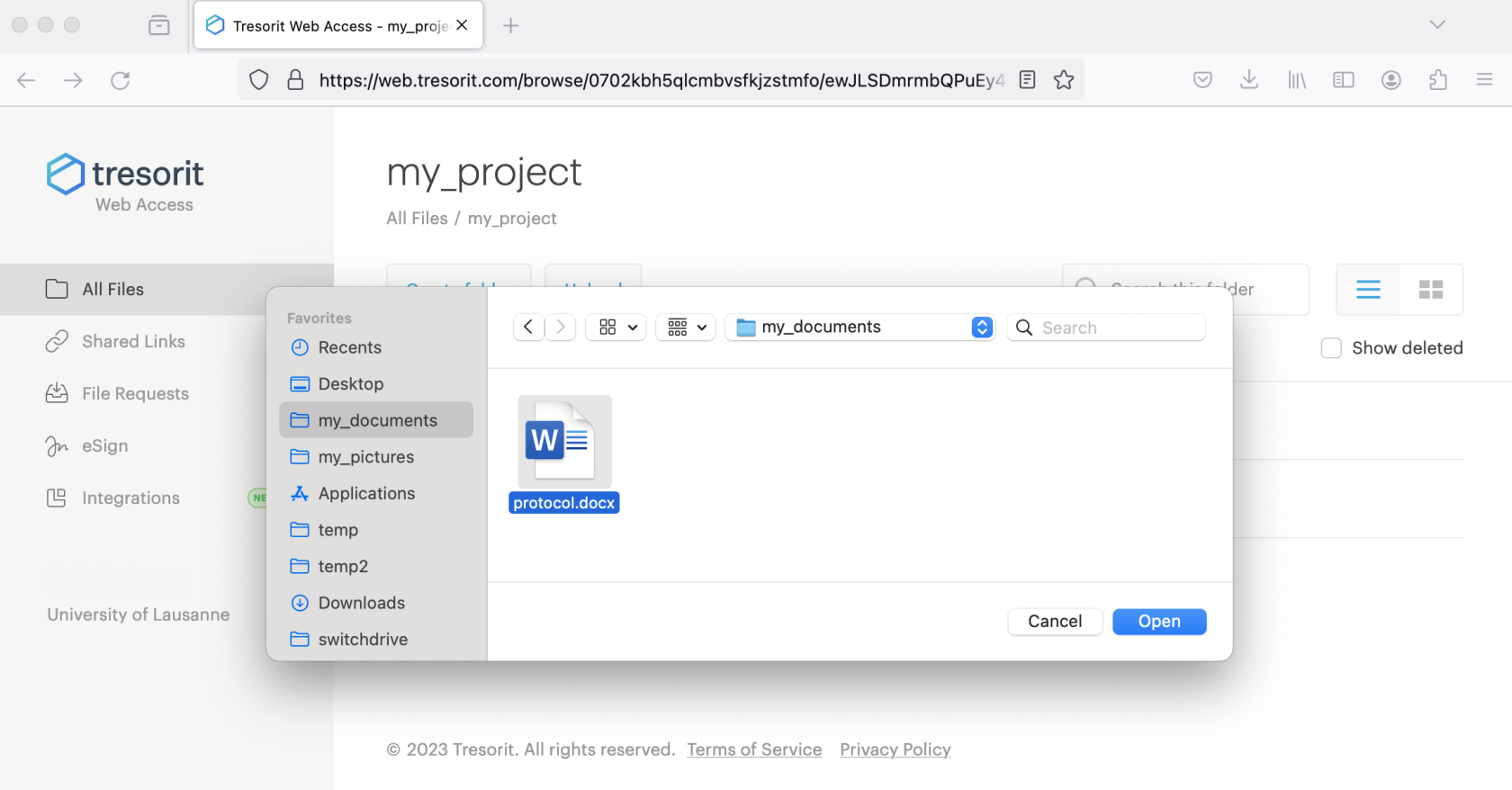](https://wiki.unil.ch/ci/uploads/images/gallery/2023-12/screenshot-2023-12-22-at-18-31-57.png) ##### Share a file uploaded to Tresorit To share one or more files with your research colleagues, you need to place them in a folder and configure the sharing options for this folder. Hover over the folder and click on the 'Share' button on the right of the explorer, then on 'Invite members'. All you then need to do is add the email addresses of your colleagues and assign them the appropriate permissions. Please note that a Tresorit account managed by UNIL is required (see [FAQ](https://wiki.unil.ch/ci/books/research-data-storage/page/faq-tresorit-h5G)) for all employees. [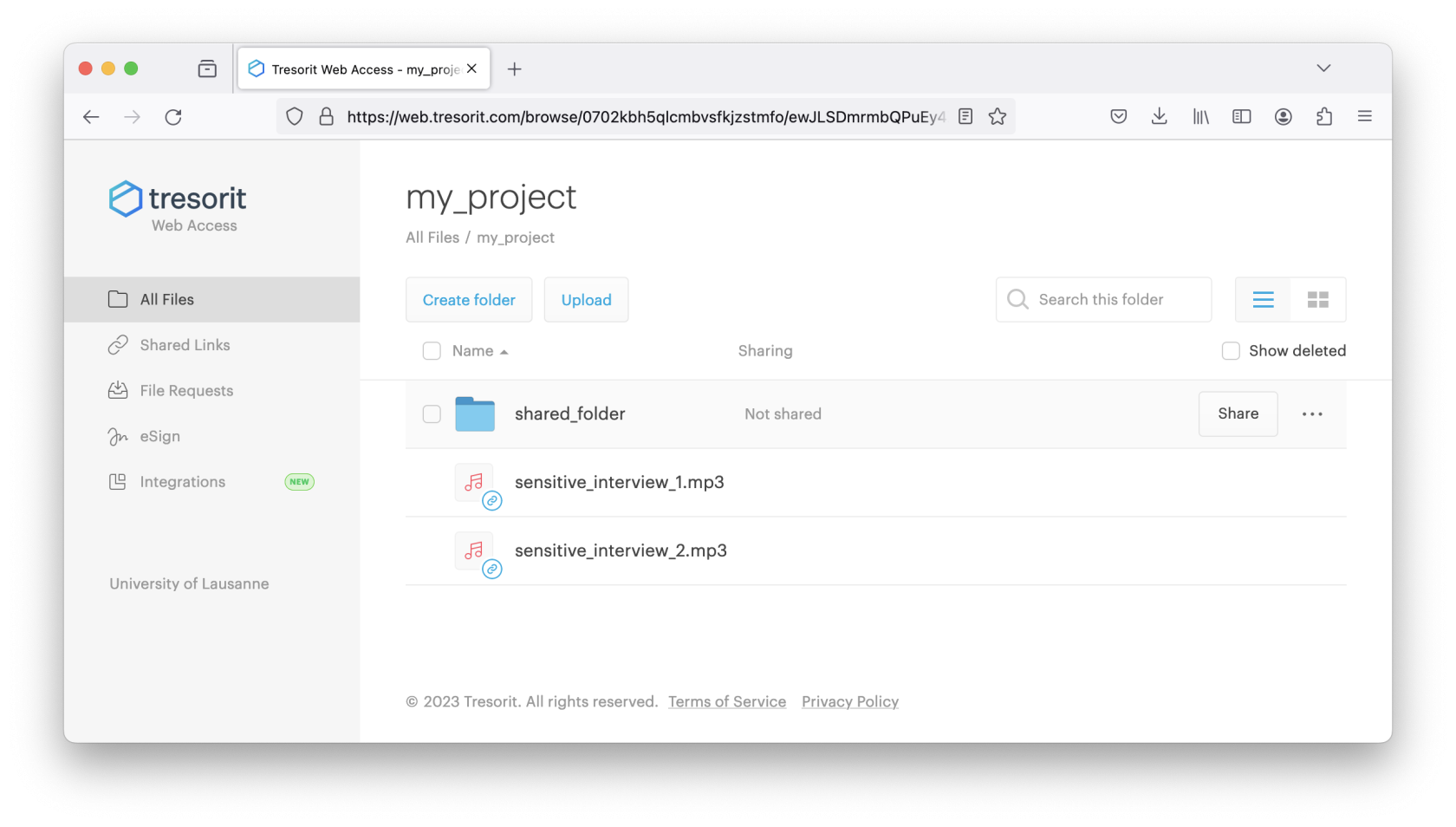](https://wiki.unil.ch/ci/uploads/images/gallery/2023-12/screenshot-2023-12-22-at-18-39-48.png) [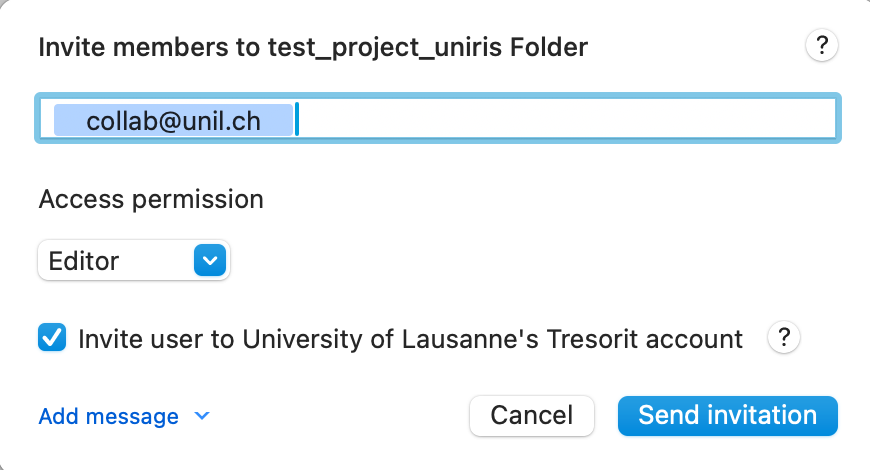](https://wiki.unil.ch/ci/uploads/images/gallery/2024-01/screenshot-2024-01-08-at-09-30-31.png) ##### Using the Tresorit software installed on your computer If you wish to install the Tresorit software locally on your computer, click on your username at the top right and select "Download desktop app" : [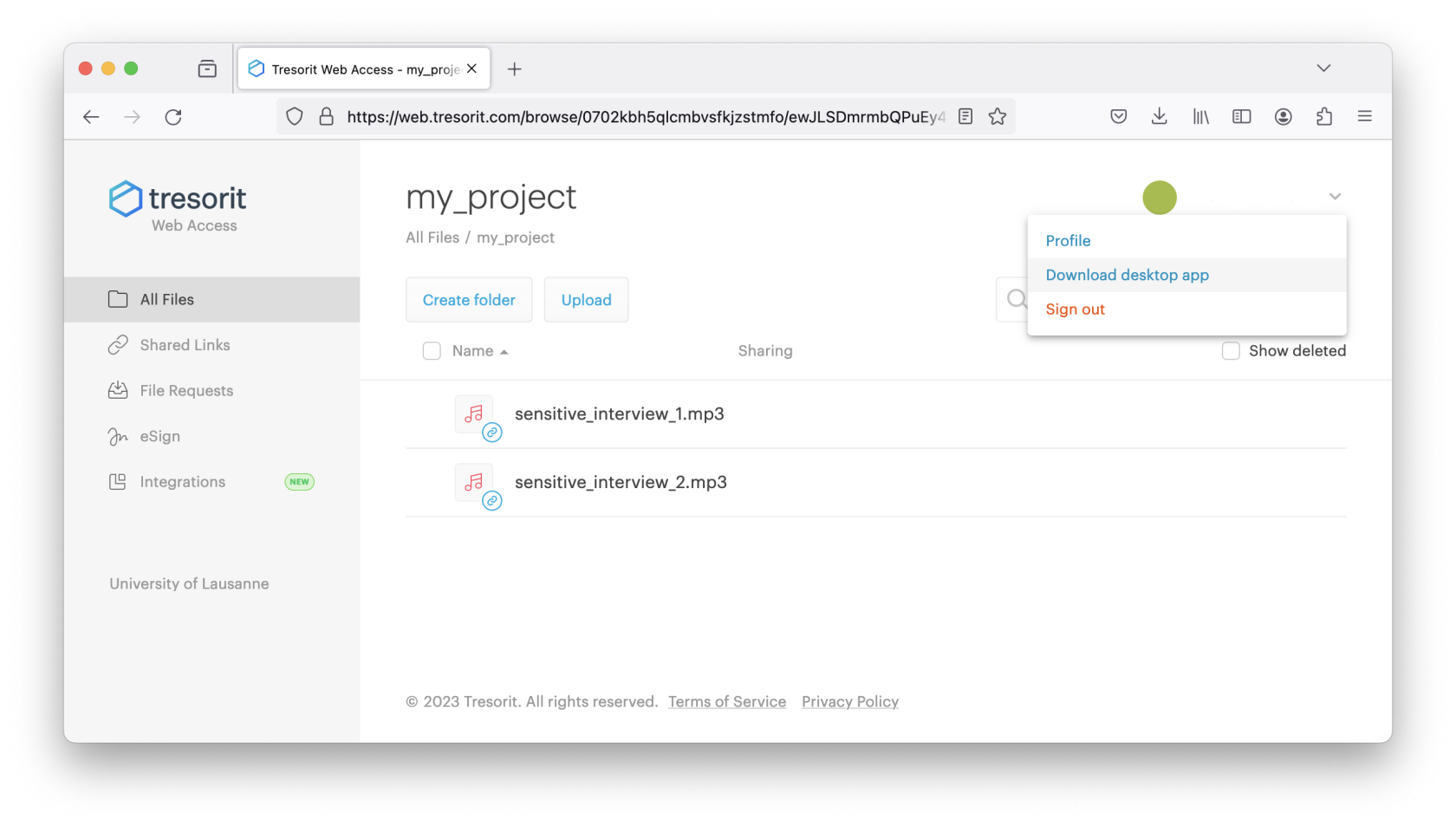](https://wiki.unil.ch/ci/uploads/images/gallery/2023-12/screenshot-2023-12-22-at-18-41-45.png) You can launch the Tresorit software on your computer by clicking on the Tresorit icon. For example, in the launchpad or launch bar on Apple MacOS. [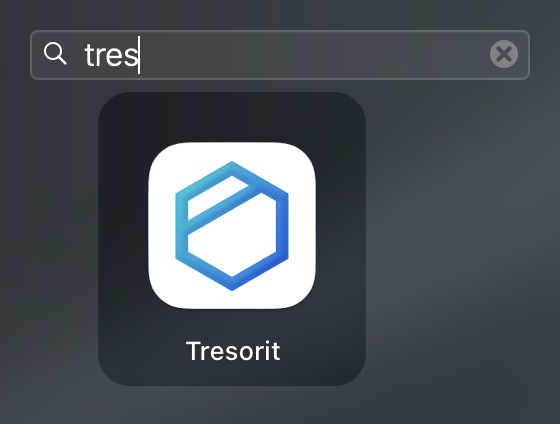](https://wiki.unil.ch/ci/uploads/images/gallery/2023-12/capture-decran-2023-10-30-a-10-54-18.png) [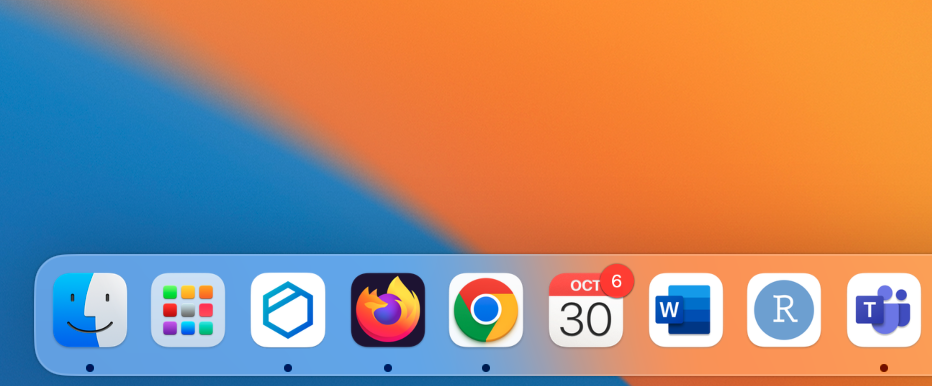](https://wiki.unil.ch/ci/uploads/images/gallery/2023-12/xrnmicrosoftteams-image.png) Or on the desktop or start menu on Microsoft Windows. [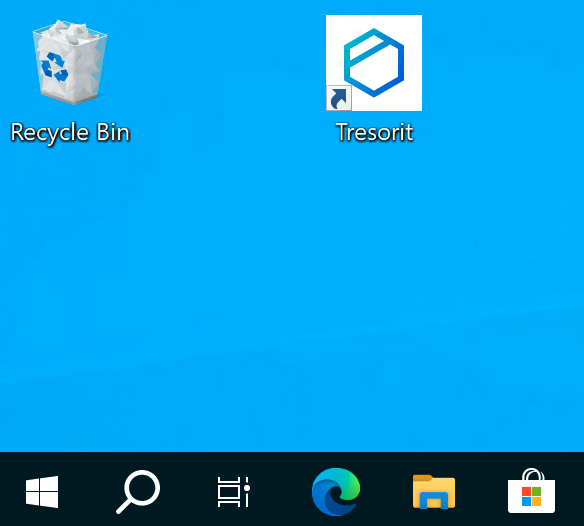 ](https://wiki.unil.ch/ci/uploads/images/gallery/2023-12/rnvmicrosoftteams-image.png)[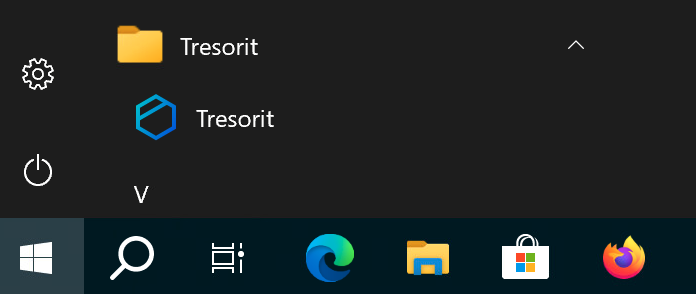](https://wiki.unil.ch/ci/uploads/images/gallery/2023-12/9upmicrosoftteams-image-1.png) And enter your login and password: [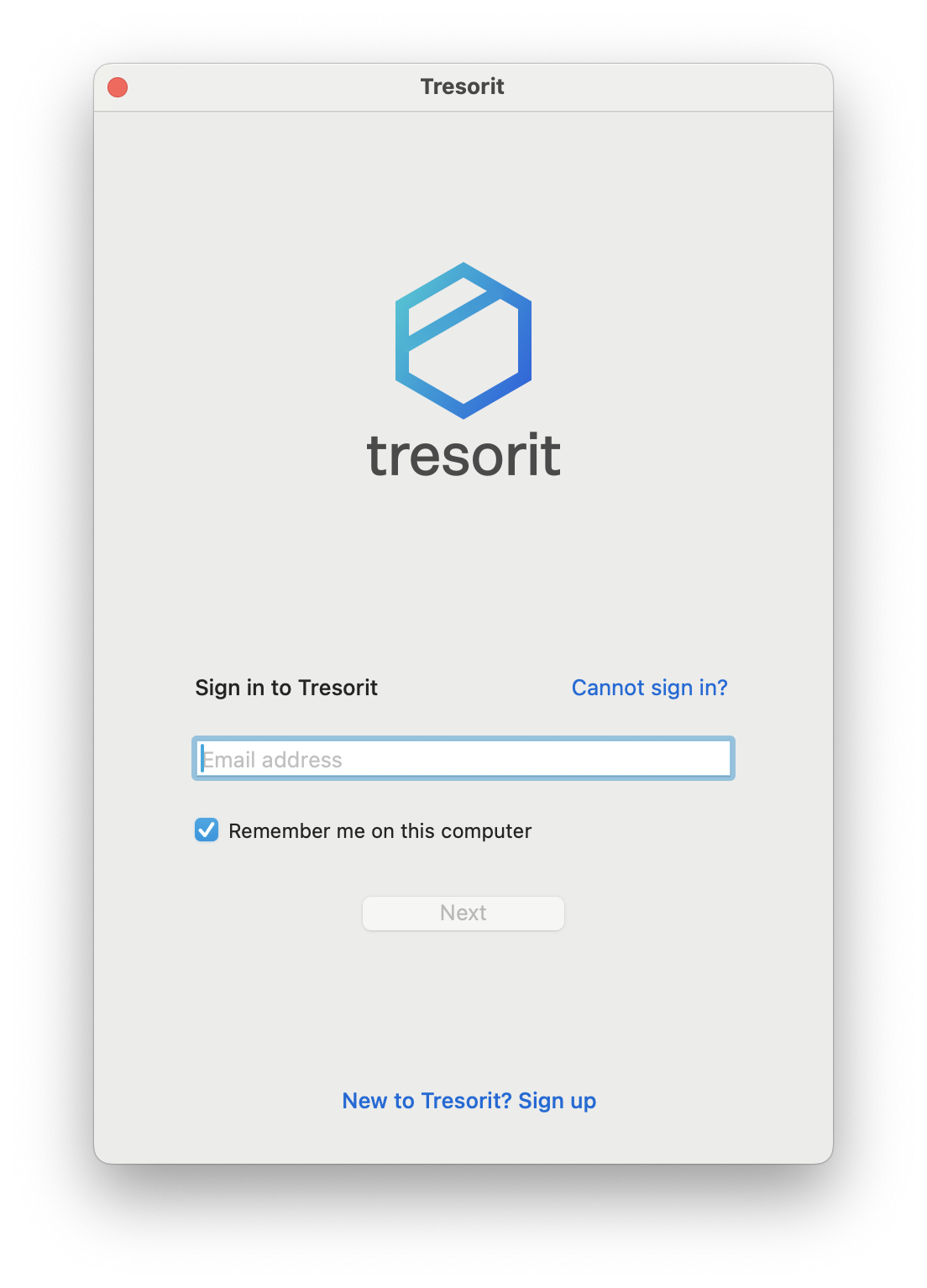](https://wiki.unil.ch/ci/uploads/images/gallery/2023-12/screenshot-2023-12-22-at-19-08-22.png) You will then be taken to the main Tresorit interface:Please note that Tresorit will offer you a tutorial including the installation of Android or iOS applications, as well as the possibility of sharing files by link. These steps should be ignored as they are prohibited for UNIL Tresorit accounts.
[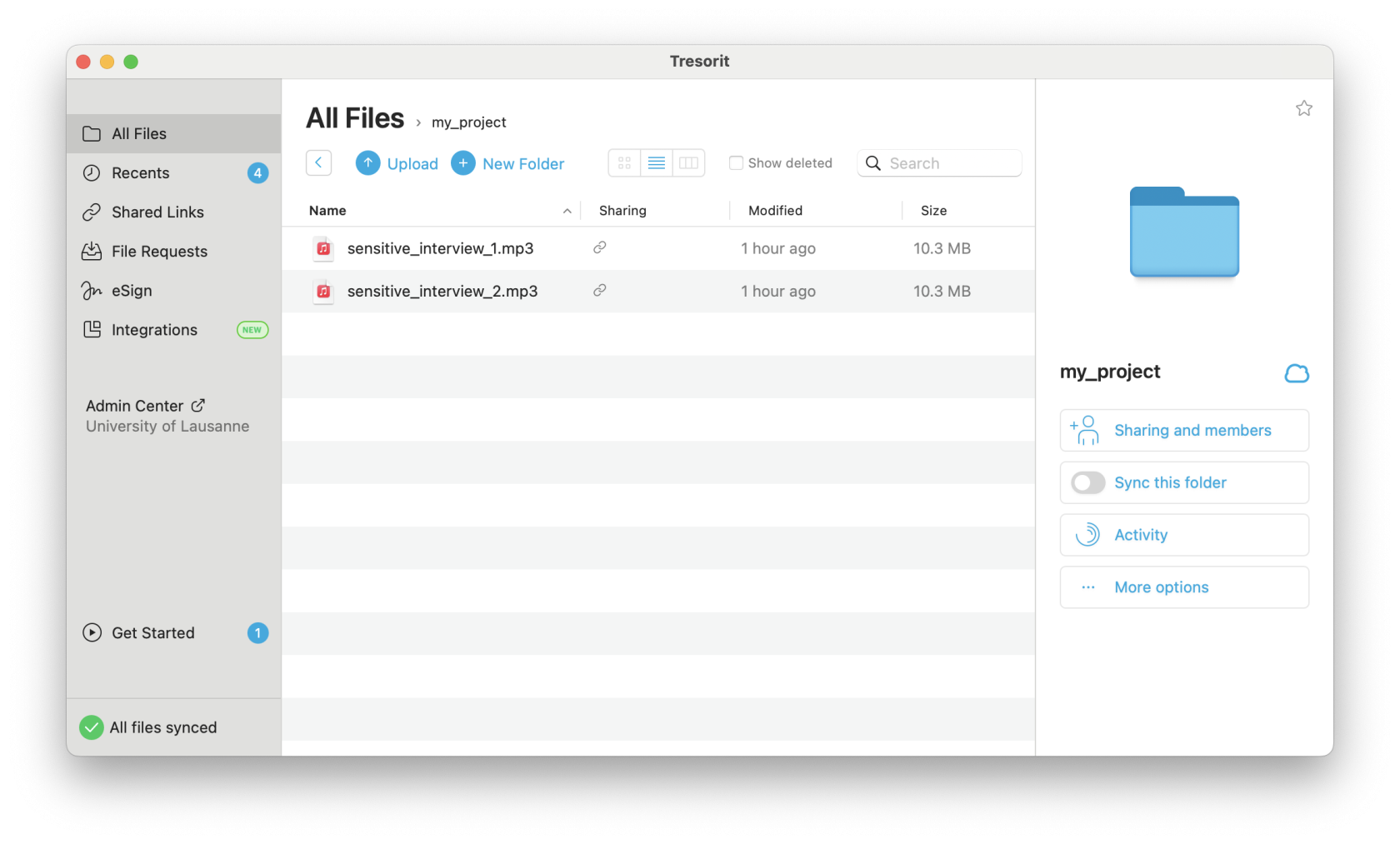](https://wiki.unil.ch/ci/uploads/images/gallery/2023-12/screenshot-2023-12-22-at-19-10-44.png)Note for BoxCryptor users (former encryption solution at UNIL): Please do not activate the "Migrate your data" button and do not follow the migration wizard offered by Tresorit. It is preferable to copy your files manually to avoid data loss.
##### Synchronizing files on your computer The folders and files visible in the Tresorit software installed on your computer are by default stored only on Tresorit's online storage. You can activate synchronisation of files and folders between online storage and your computer by clicking on the "Sync this folder" button (on the right below). This way, your files will be accessible on your hard drive even when you're offline. If the volume of your data is very large, make sure you have enough free disk space. The advantage of synchronizing locally is that reading and editing certain large files (audio/video) will be faster. [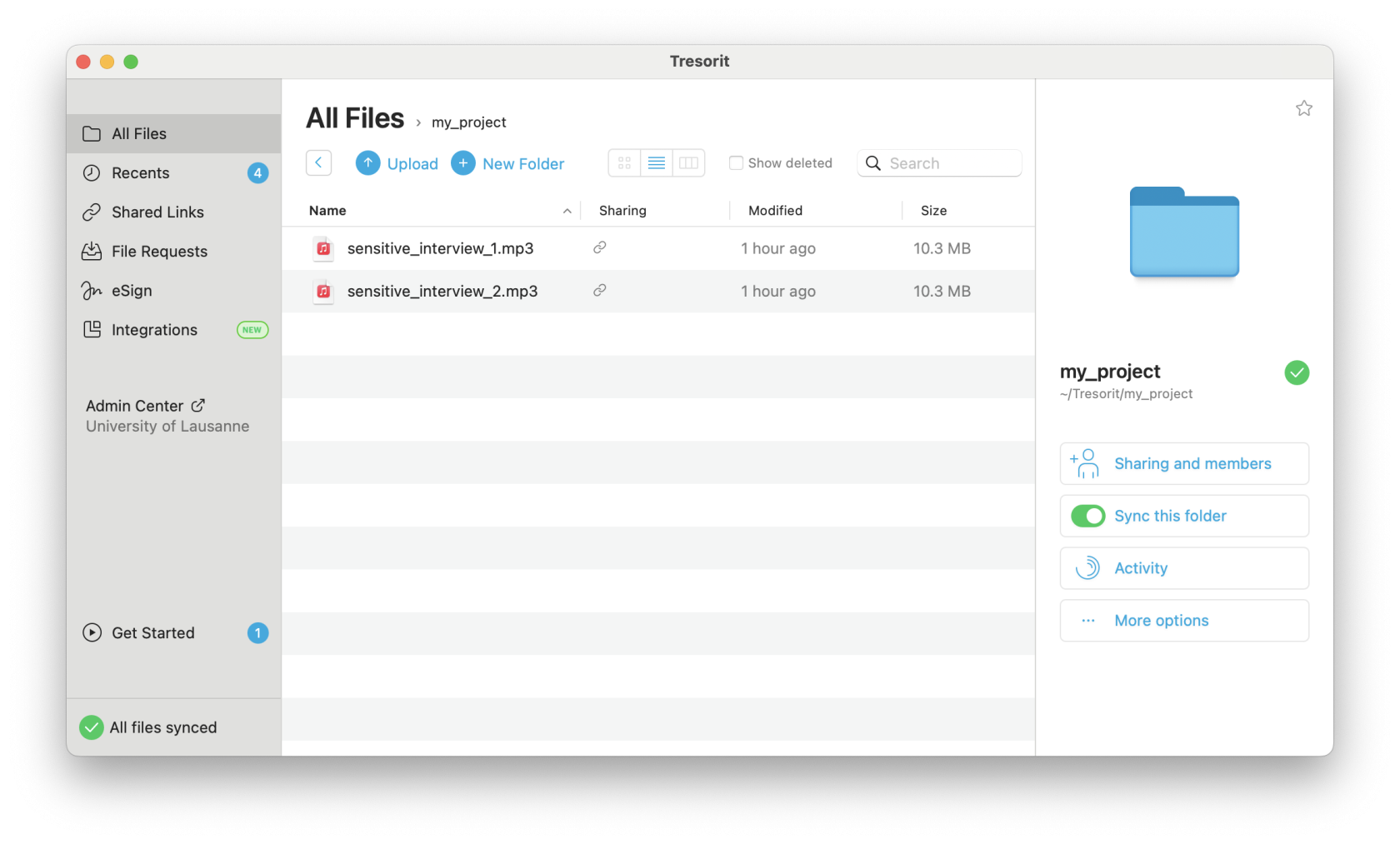](https://wiki.unil.ch/ci/uploads/images/gallery/2023-12/screenshot-2023-12-22-at-19-12-27.png) ##### Note on integration options To avoid accidentally distributing your data to unwanted locations (and potentially misplacing data), we recommend that you disable the following two features: **Integration** and **Tresorit Drive**. - On Apple MacOS : [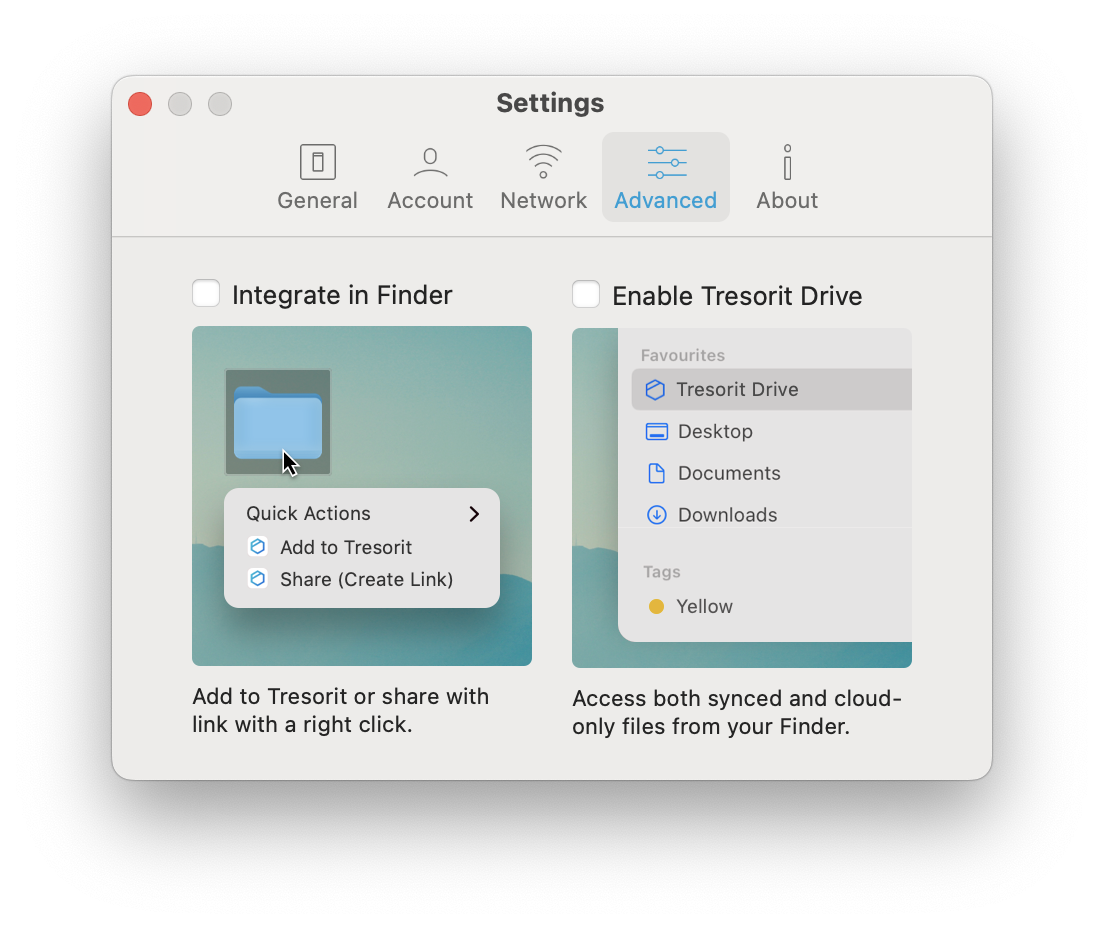](https://wiki.unil.ch/ci/uploads/images/gallery/2023-12/screenshot-2023-12-22-at-19-13-57.png) - On Microsoft Windows : [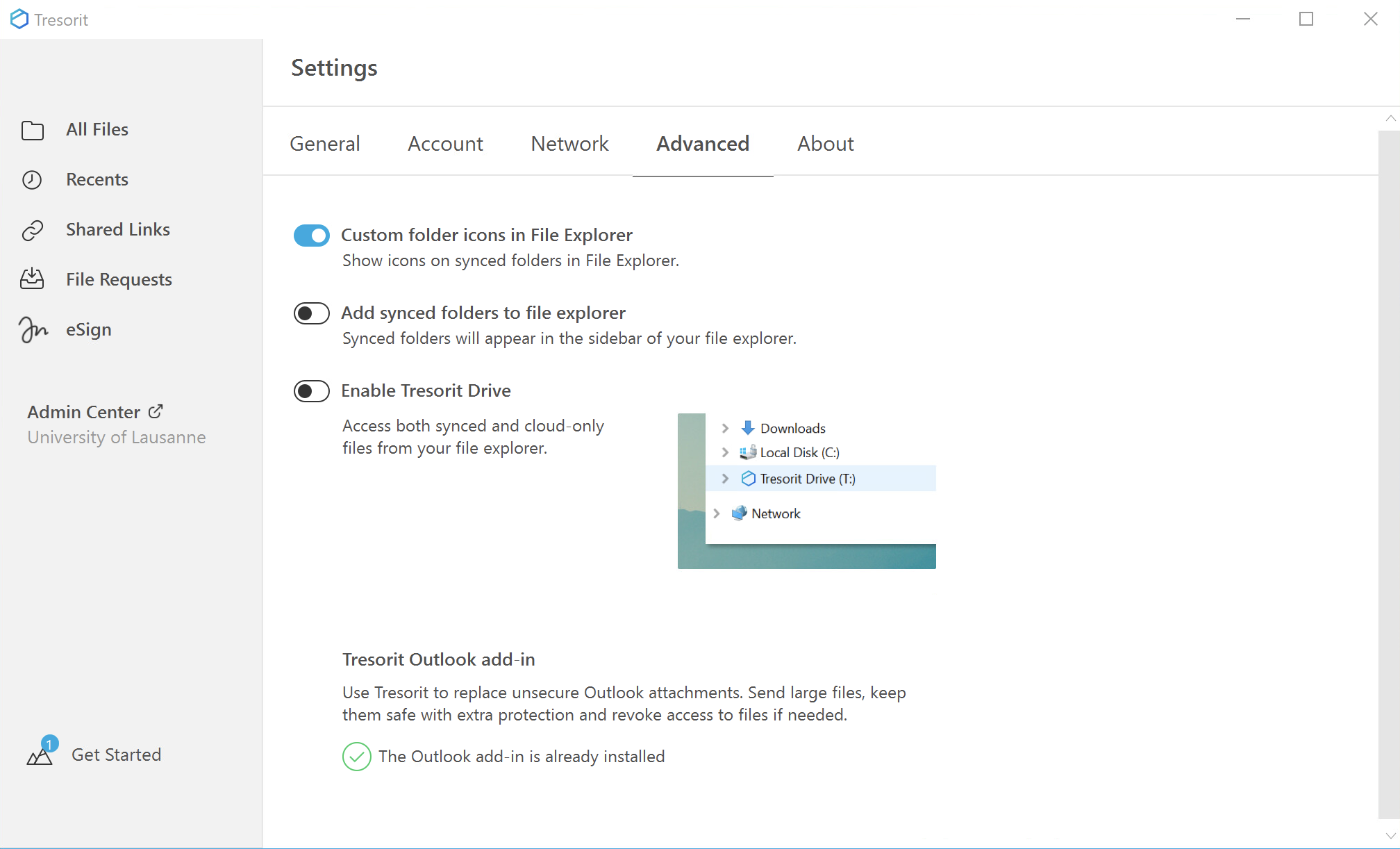](https://wiki.unil.ch/ci/uploads/images/gallery/2023-12/NS24qqmicrosoftteams-image.png) ##### Note on collaborative working Sometimes several collaborators may wish to edit the same file. Some collaborative editing solutions such as Google Drive, Microsoft OneDrive or OnlyOffice allow several collaborators to edit the same document simultaneously. Tresorit does not allow this. However, it does offer a lock system to warn your collaborators that you are editing a document. This prevents version conflicts. Example: "Project.docx" file opened by the collaborator 1 : [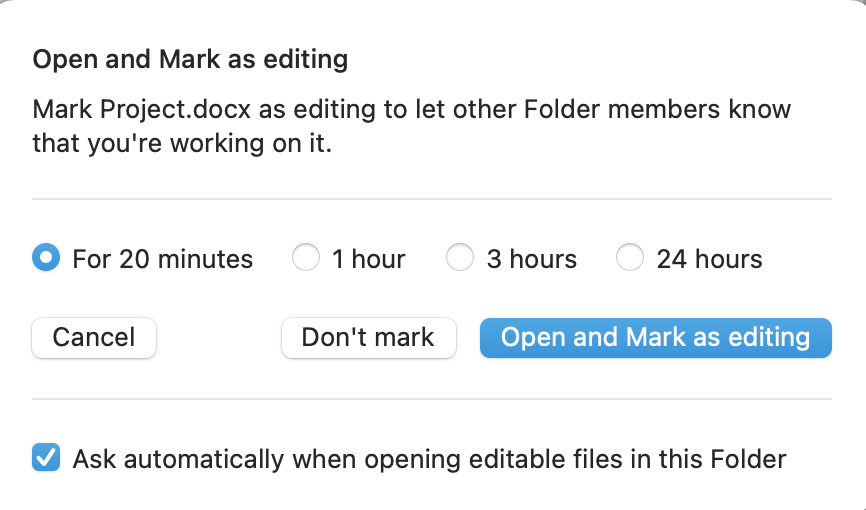](https://wiki.unil.ch/ci/uploads/images/gallery/2023-12/screenshot-2023-12-22-at-19-21-38.png) Lock visible on the Project.docx file for user 2: [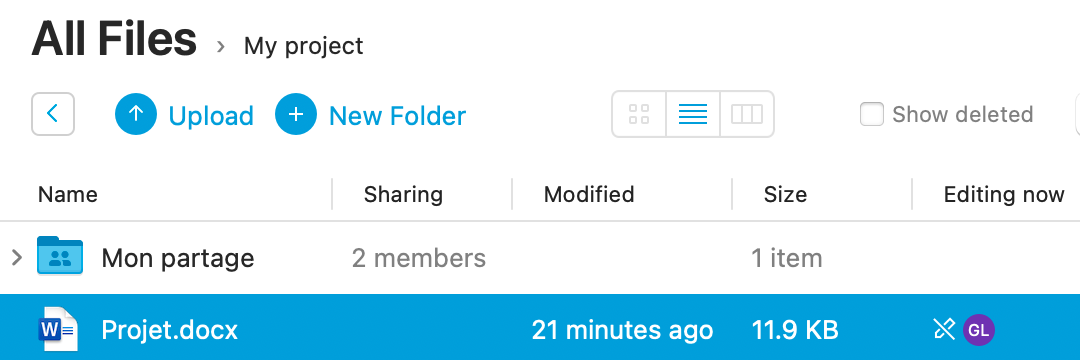](https://wiki.unil.ch/ci/uploads/images/gallery/2023-12/microsoftteams-image-2.png) For further information, please consult the [official Tresorit documentation](https://support.tresorit.com/). Please note that many of the steps described there do not apply to the specific features of the Tresorit contract with UNIL. ##### File request function Researchers with a Tresorit account can use the "File requests" function. This enables anyone who does not have a Tresorit account to submit a file using a simple link sent by e-mail. The file is only copied into the researcher's space after a validation stage. The person who does not have a Tresorit account never has access to the Tresorit storage. # FAQ Tresorit[ Français](https://wiki.unil.ch/ci/books/research-data-storage/chapter/donnees-sensibles-tresorit)
##### What is Tresorit? Tresorit is a file storage and sharing service. It is a specific service for sensitive data: it offers enhanced security through advanced access control and data encryption. More details on the [Tresorit description page](https://wiki.unil.ch/ci/books/research-data-storage/page/description-of-tresorit). ##### What is sensitive data? In everyday language, data is sometimes described as sensitive in a vague way. However, Swiss law gives a very precise definition ([Art. 4, paras. 1 and 2 of the LPrD](https://prestations.vd.ch/pub/blv-publication/actes/consolide/172.65?key=1543934892528&id=cf9df545-13f7-4106-a95b-9b3ab8fa8b01)) that applies to the Vaud cantonal administrations, including UNIL: "Any personal data \[any information relating to an identified or identifiable person\] concerning : - religious, philosophical, political or trade union opinions or activities, or ethnic origin ; - the private sphere of the individual, in particular his or her psychological, mental or physical state; - individual measures and assistance arising from social legislation; - criminal or administrative proceedings or sanctions". Note that there is also a marginally different definition in the federal law ([LPD art. 5](https://www.fedlex.admin.ch/eli/cc/2022/491/fr#art_5)). Federal law applies to private individuals and federal organizations. Research into human diseases and into the structure and function of the human body is covered by a specific law ([LRH](https://www.fedlex.admin.ch/eli/cc/2013/617/fr)). ##### Who should I contact to request access to Tresorit? If you think your research data is sensitive ([LPrD art. 4](https://prestations.vd.ch/pub/blv-publication/actes/consolide/172.65?key=1543934892528&id=cf9df545-13f7-4106-a95b-9b3ab8fa8b01) or [LRH art. 2](https://www.fedlex.admin.ch/eli/cc/2013/617/fr)), please contact your faculty data steward, who will help you make a request to the Computing and Research Support Division ([DCSR](https://www.unil.ch/ci/fr/home/menuinst/calcul--soutien-recherche.html)). See "Aide et renseignements" on the [Data Protection page](https://wiki.unil.ch/ci/books/synchronisation-de-fichiers-onedrive/page/protection-des-donnees#bkmrk-aide-et-renseignemen). Following this request, you will be offered a face-to-face appointment to install and configure Tresorit and to encrypt your computer. ##### Who is Tresorit for? Tresorit is intended exclusively for UNIL researchers and their scientific collaborators (internal or external). The request to use this service must be made by a project leader affiliated to UNIL. See [directive 4.5 art. 4](https://www.unil.ch/files/live/sites/central/files/textes-leg/4-rech/dir4-5-donnees-rech.pdf) for the definition of the designation of Principal Investigator. ##### Where is my data stored? UNIL has a specific contract with Tresorit AG which guarantees that the data is stored in Switzerland. Tresorit uses online storage on the Microsoft Azure platform (see below, How is my data protected?). ##### How is my data protected? Data uploaded by researchers from their computer to online storage is done using the Tresorit software or web interface. Both encrypt the data before it is sent to online storage. They require verification of your identity using a password and a code on your mobile phone. If the data is stolen directly from online storage, the encryption applied to the data makes it impossible to read it in clear text without the decryption key. If your computer is lost or stolen, it will be impossible to access the data on Tresorit from your computer without your password and your mobile phone. Sensitive data synchronized on your computer will also be inaccessible as it will be encrypted during the meeting with the DCSR. ##### What does "encryption" mean? Encryption is an algorithmic process used to make a document impossible to understand for anyone who does not have access to the decryption key. ##### Why use Tresorit? UNIL researchers working with sensitive data ([LPrD art. 4](https://prestations.vd.ch/pub/blv-publication/actes/consolide/172.65?key=1543934892528&id=cf9df545-13f7-4106-a95b-9b3ab8fa8b01)) or LRH-sensitive data ([LRH art. 2](https://www.fedlex.admin.ch/eli/cc/2013/617/fr)) submit their research project to the cantonal human research ethics committee (CER-VD). Technical and organisational measures must be put in place to ensure that projects are accepted by the CER facultaire, CER UNIL or CER-VD: - Access to data must be restricted to the researchers concerned ([Guide du PFPDT 2015 p11](https://www.edoeb.admin.ch/dam/edoeb/fr/Dokumente/aDSG/guideTOM_fr.pdf.download.pdf/guideTOM_fr.pdf)). - Data must be stored in encrypted form ([Guide du PFPDT 2015 p20](https://www.edoeb.admin.ch/dam/edoeb/fr/Dokumente/aDSG/guideTOM_fr.pdf.download.pdf/guideTOM_fr.pdf)). - Data access and modification must be traceable ([ORH art. 5c](https://www.fedlex.admin.ch/eli/cc/2013/642/fr)). The aim of all these measures is to protect individuals against the misuse of data concerning them ([LPrD art. 1](https://prestations.vd.ch/pub/blv-publication/actes/consolide/172.65?key=1543934892528&id=cf9df545-13f7-4106-a95b-9b3ab8fa8b01)). Tresorit is a service offering these three functions. ##### Who can access my data? A group of four people are Tresorit administrators at UNIL. All these Tresorit administrators are employees of the IT Centre. Tresorit administrators can change a user's password if they forget it (protection against loss/destruction of data, [LPrD art. 10](https://prestations.vd.ch/pub/blv-publication/actes/consolide/172.65?key=1543934892528&id=cf9df545-13f7-4106-a95b-9b3ab8fa8b01)). When the password is changed, which is subject to traceability and is done at the request of the **project leader** (Principal Investigator as designated in [directive 4.5 art. 4](https://www.unil.ch/files/live/sites/central/files/textes-leg/4-rech/dir4-5-donnees-rech.pdf)), access to the files by the Tresorit administrator is temporarily possible. The Tresorit solution is designed so that neither the Tresorit company nor the storage provider can access the decrypted data. ##### What volume is available? UNIL offers up to 2 To per Principal Investigator (PI), regardless of the number of projects under his/her supervision. ##### Can I collaborate with people outside UNIL? Yes, the UNIL IT Centre covers the cost of all Tresorit licences for UNIL members (free of charge). If a research project needs to give access to people outside UNIL, three free licences are made available to the **project leader** (Principal Investigator, PI). If more than three external persons are required, a fee of CHF 125 per year and per person will be charged to the PI. If a person from outside UNIL already has a Tresorit account that is not affiliated to UNIL, it is currently impossible to use this account to access UNIL research data. ##### What is Tresorit's backup strategy? As the online storage uses the Microsoft Azure platform, there are three physical copies of the data.