How to access a password-protected page on the website www.unil.ch
If you need to access a password-protected page on our websites whose address begins with www.unil.ch , here is how to proceed :
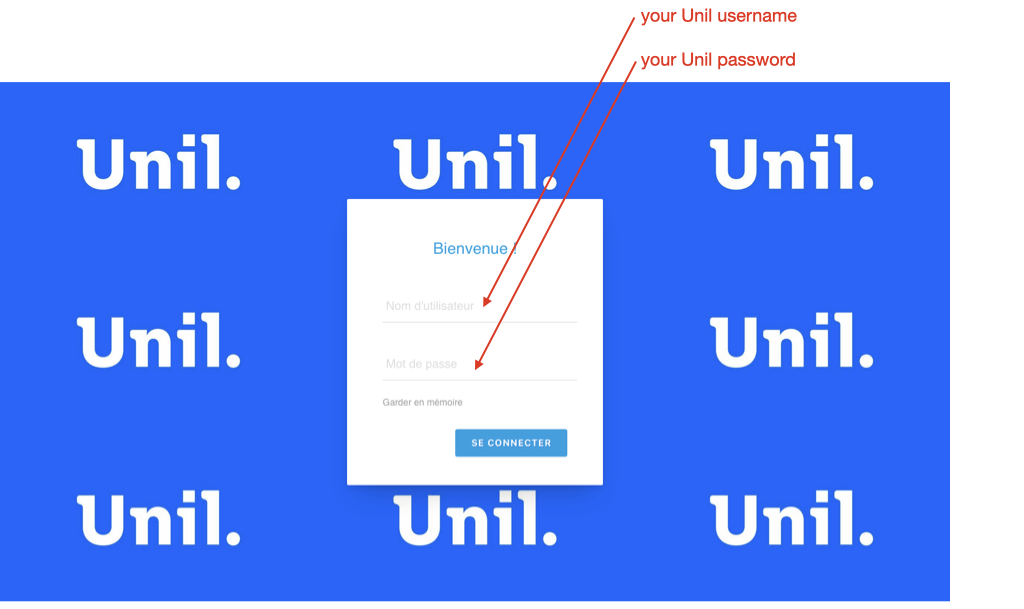
1) On the login page, enter your Unil credentials
- Unil username = your Unil username, which consists of 8 characters, usually the initial of your first name followed by the first 7 letters of your surname ; there are sometimes exceptions, for example it may include a number if other users have a username which a first part identical to yours
- Unil password = the password associated with your Unil username
Your Unil username is not the same as your Unil email address.
Fictitious example : Ines Palermo will have the username "ipalerm" and the email address ines.palermo@unil.ch.
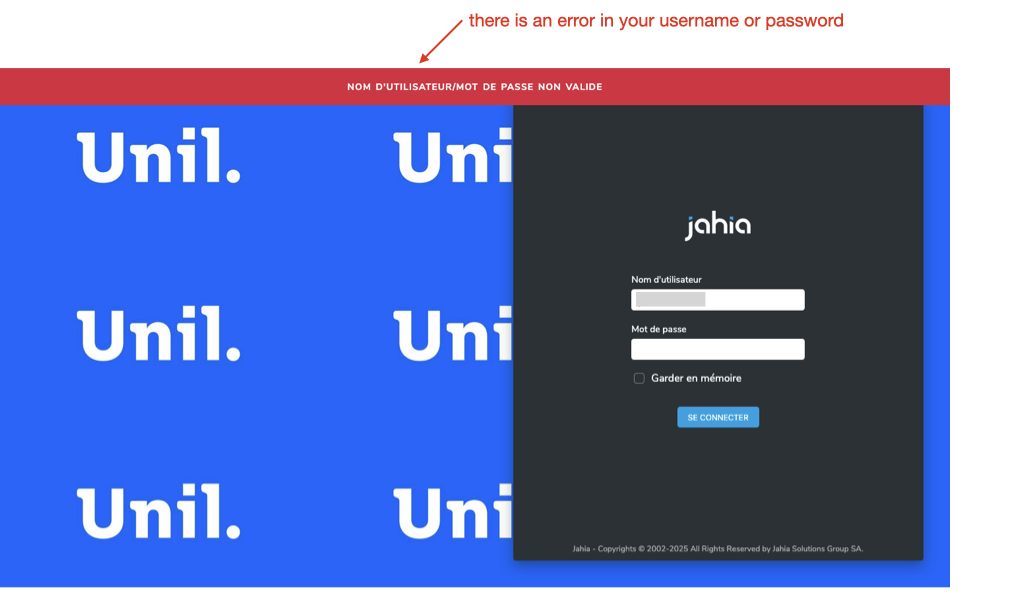
2) If you encounter the error message below, which appears on a page with the address https://www.unil.ch/cms/login , this means that there is an error in your username or password.
If you cannot find your correct login details, go to https://id.unil.ch/start/?lang=en to obtain a new password.
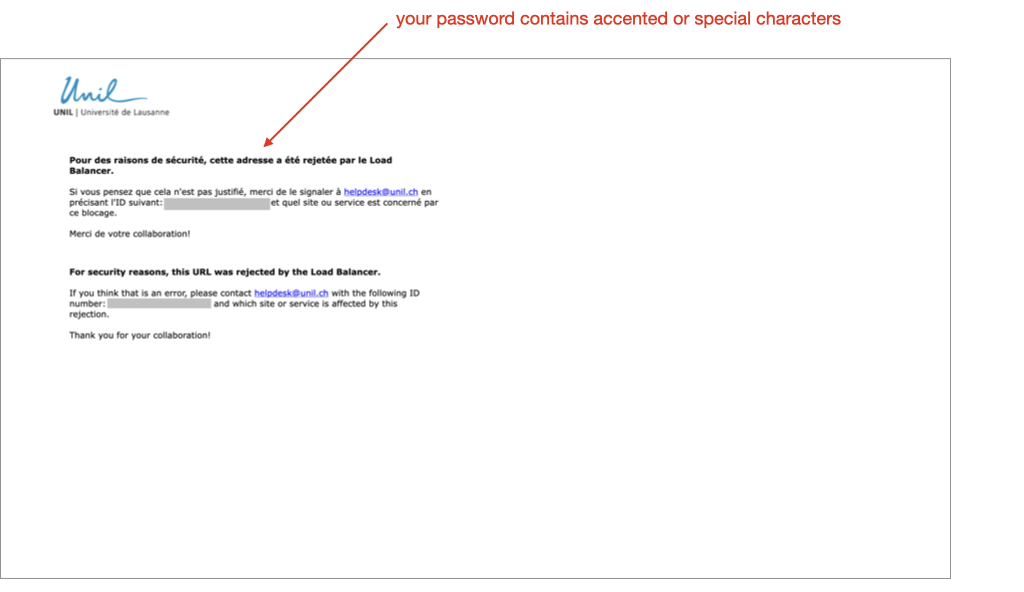
3) If you encounter the error message below, it means that your Unil password contains accented or special characters that are not supported by our current version of Jahia, the system used to manage our websites.
You will need to go to https://id.unil.ch/start/?lang=en to change your Unil password.