*The voice in this video was generated by artificial intelligence.*
#### Accessing Your Workspace Once you're logged into IRIS: 1. Click on “My workspace.” 2. You’ll be redirected to the page “Records I created.” [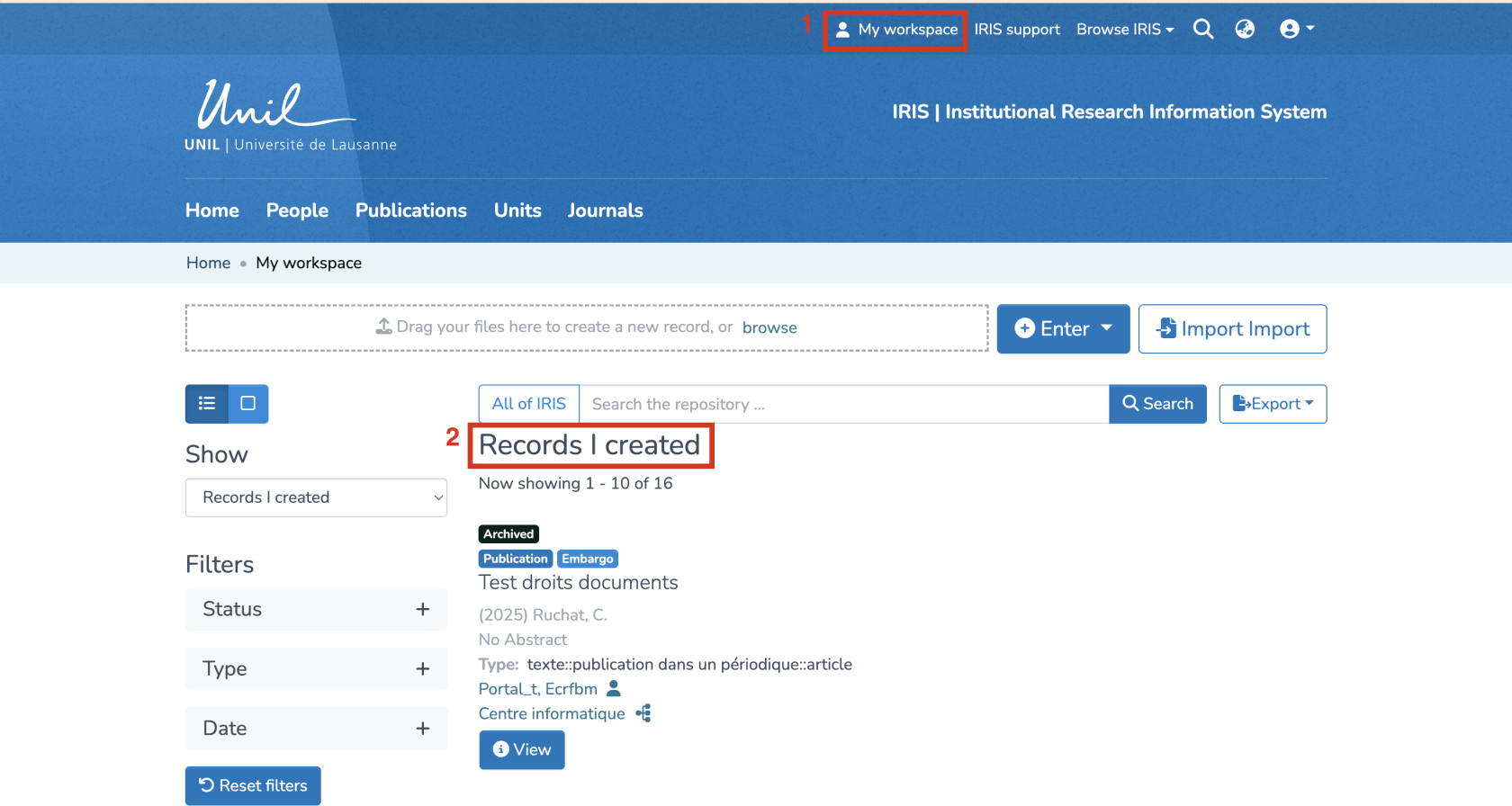](https://wiki.unil.ch/recherche/uploads/images/gallery/2025-09/jz8image.png) #### Review/Edit the Record 1. Find the record you wish to publish in the list. 2. You can edit it by clicking on “Edit.” [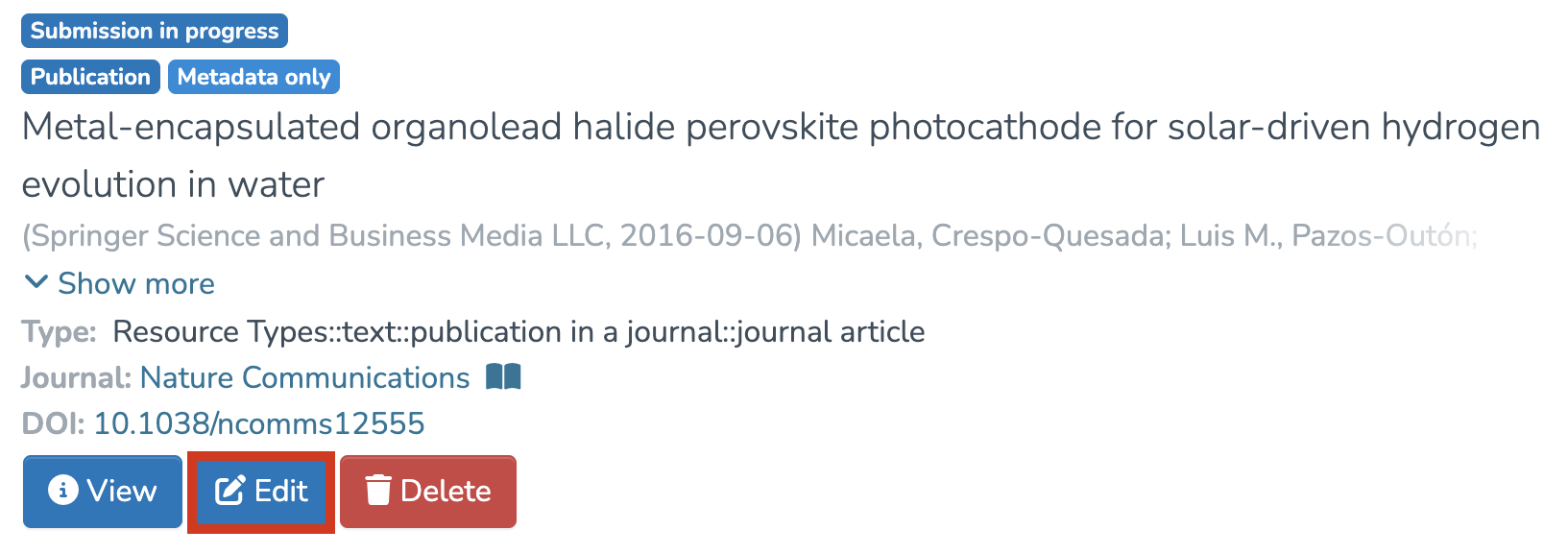](https://wiki.unil.ch/recherche/uploads/images/gallery/2025-07/KVaimage.png) #### Publish the Record 1. Make sure all required fields are completed and that the record is properly linked to the corresponding people and units. 2. Once the changes have been made, scroll down to the bottom of the page and click on “Publish.” [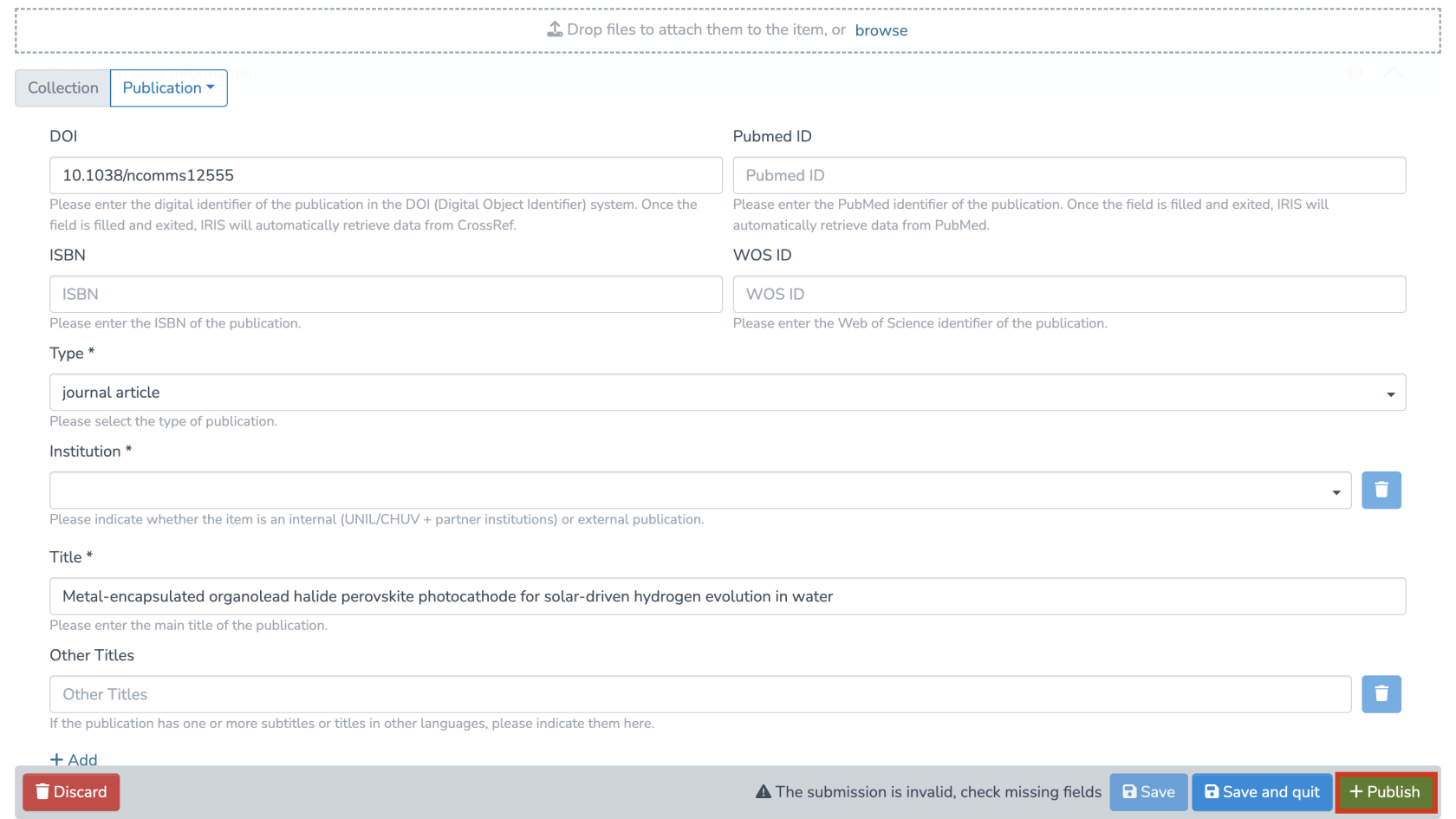](https://wiki.unil.ch/recherche/uploads/images/gallery/2025-07/tVLimage.png) **Note**: As the author, your record is automatically validated and will therefore be archived immediately, except for theses and dissertations.