*The voice in this video was generated by artificial intelligence.*
#### Start your search From the IRIS homepage, you can begin a search in two ways: 1. By clicking the search icon: type your keyword and press the Enter key on your keyboard. *Note: This option is available from any page within IRIS.*[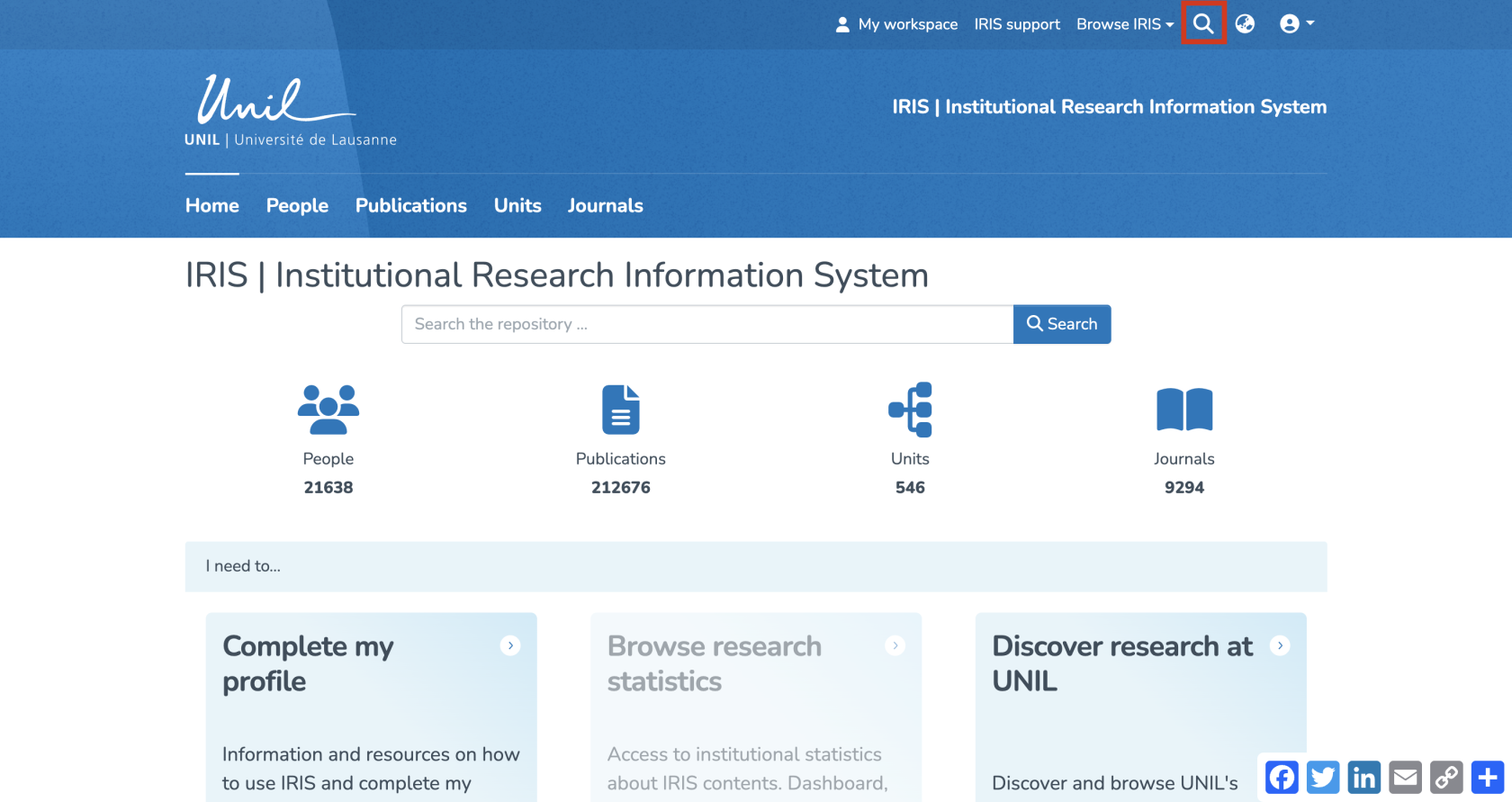](https://wiki.unil.ch/recherche/uploads/images/gallery/2025-09/5Uqimage.png) 2. By clicking directly into the search field: enter your keyword, then click “Search.”[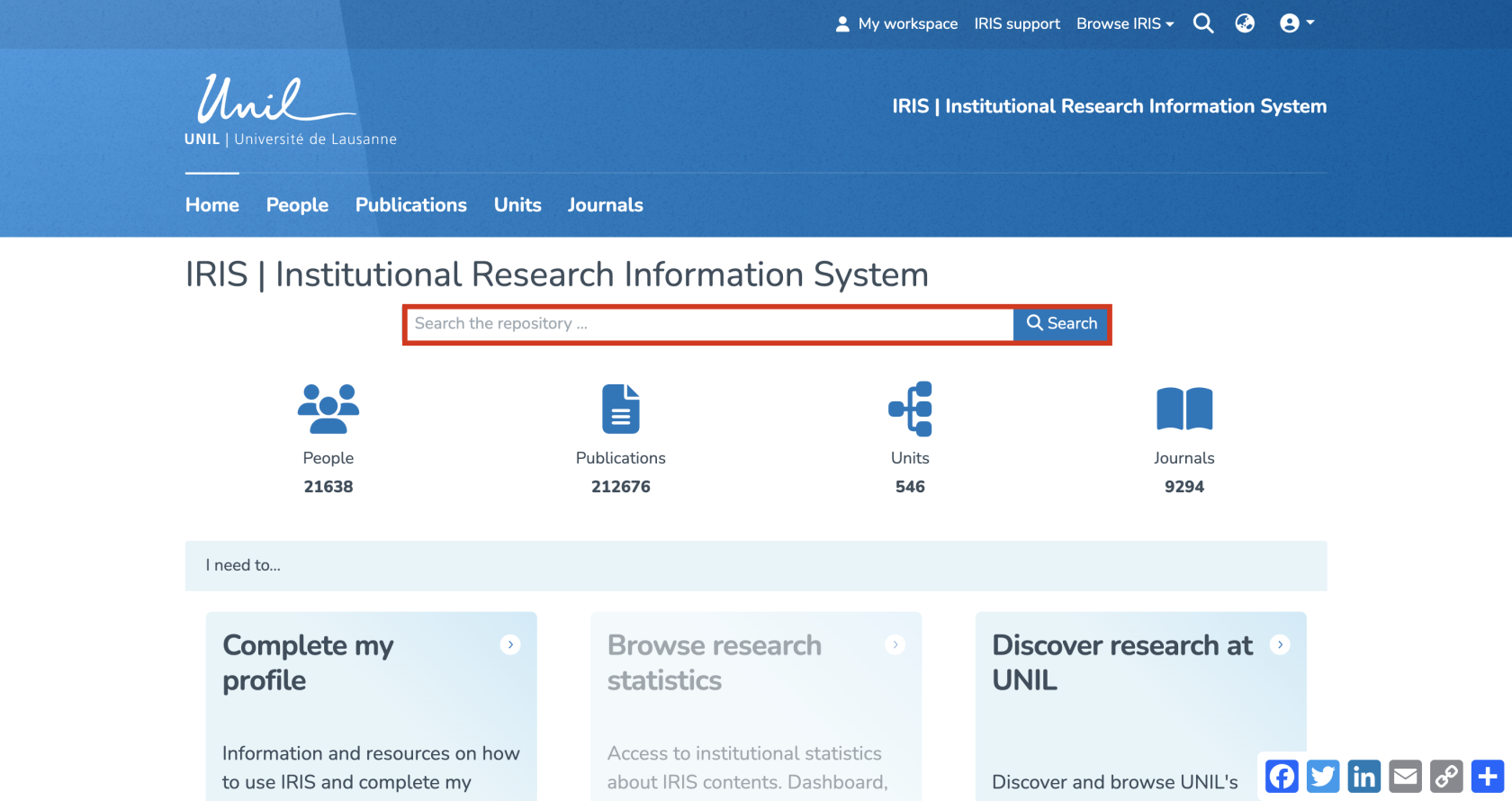](https://wiki.unil.ch/recherche/uploads/images/gallery/2025-09/SlMimage.png) Both methods allow you to search across the entire repository, covering all entities (people, publications, units, and journals). #### Filters and settings Once your search is launched, you'll automatically be redirected to the search results page. A series of filters allows you to narrow down the results, including: 1. Entity: people, publications, units, or journals 2. Linked person: a person associated with the publication (not necessarily the author) 3. Author 4. Publication date 5. Type of publication 6. Journal or magazine name 7. File presence: with or without 8. Language of the publication 9. Keywords 10. Linked unit 11. Institution: UNIL/CHUV/Unisanté + partner institutions or external [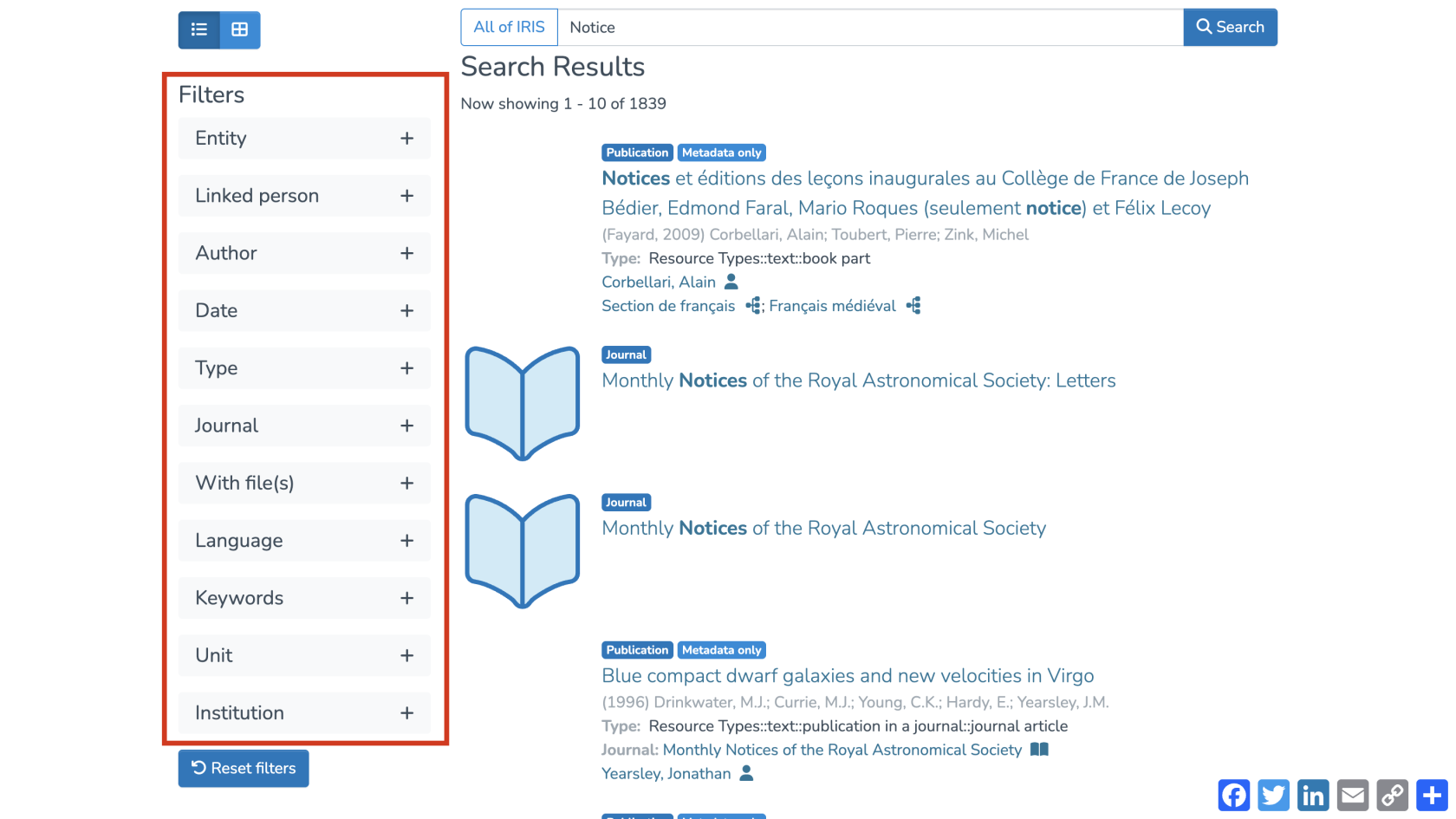](https://wiki.unil.ch/recherche/uploads/images/gallery/2025-07/TUPimage.png) [](https://wiki.unil.ch/recherche/uploads/images/gallery/2025-07/image.png) To reset the filters, simply click “Reset filters.” [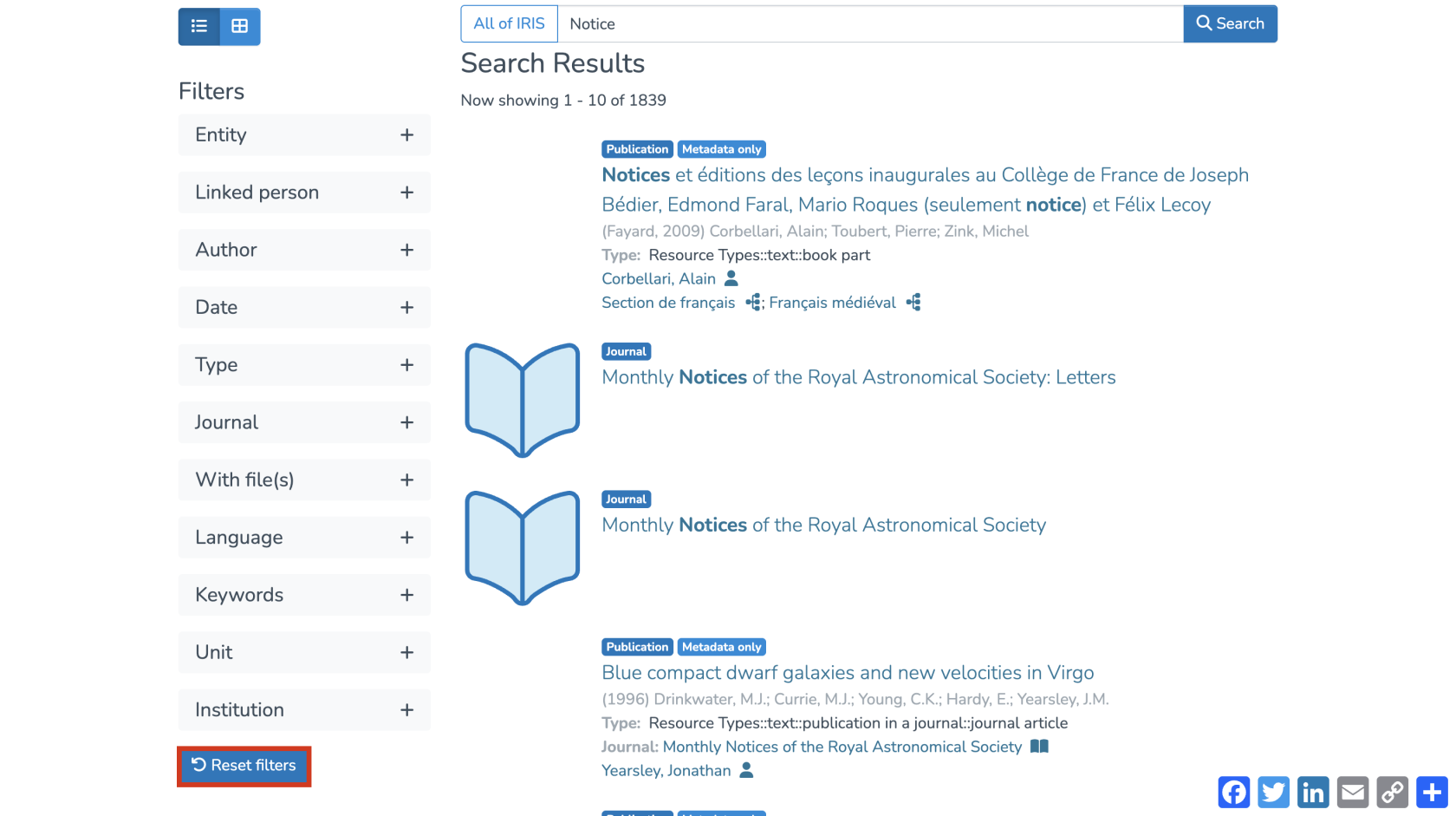](https://wiki.unil.ch/recherche/uploads/images/gallery/2025-07/NVHimage.png) You can also choose to limit your search to a specific collection. To do so, click into the search bar and select the desired collection. [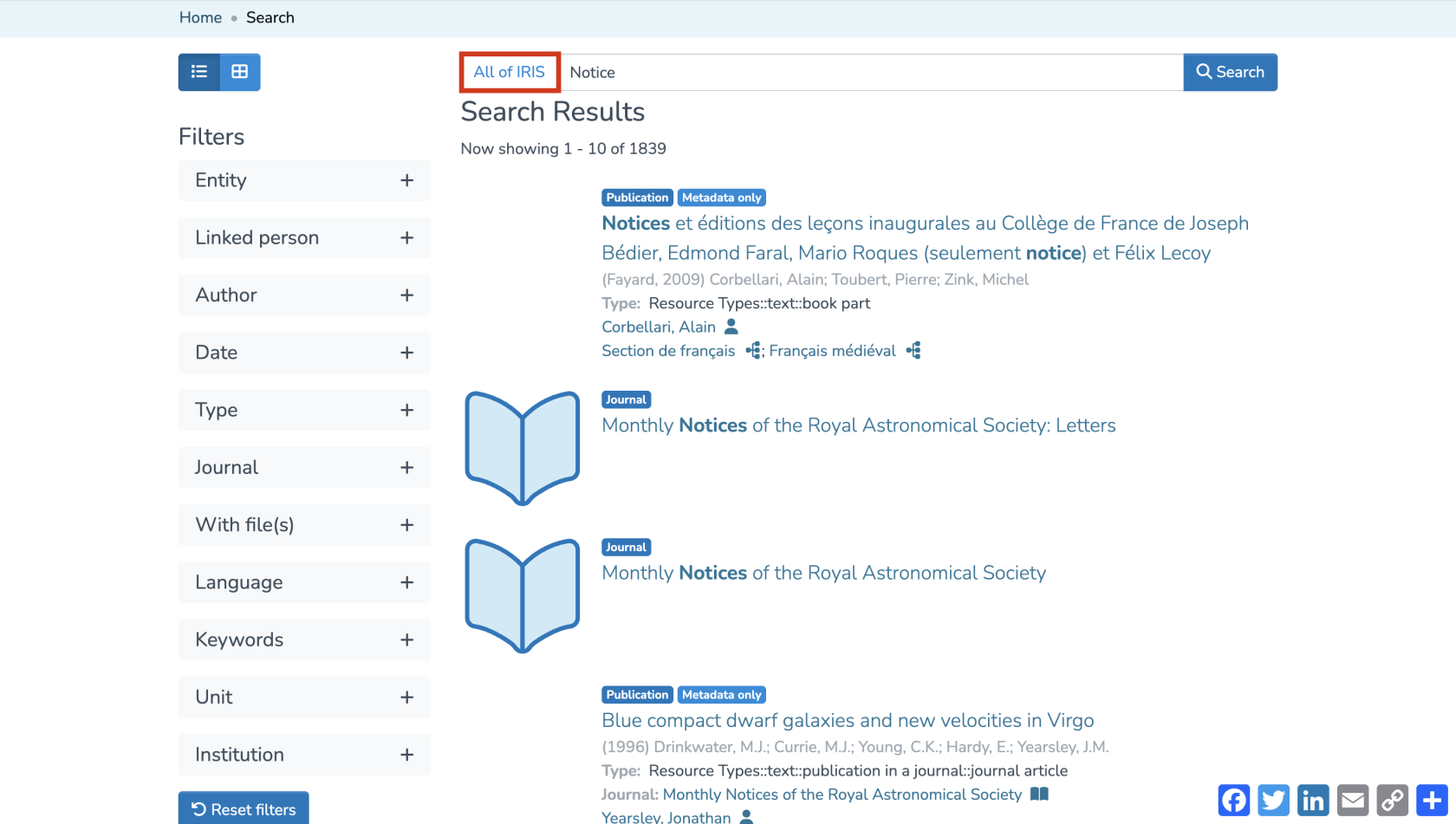](https://wiki.unil.ch/recherche/uploads/images/gallery/2025-07/w7kimage.png) [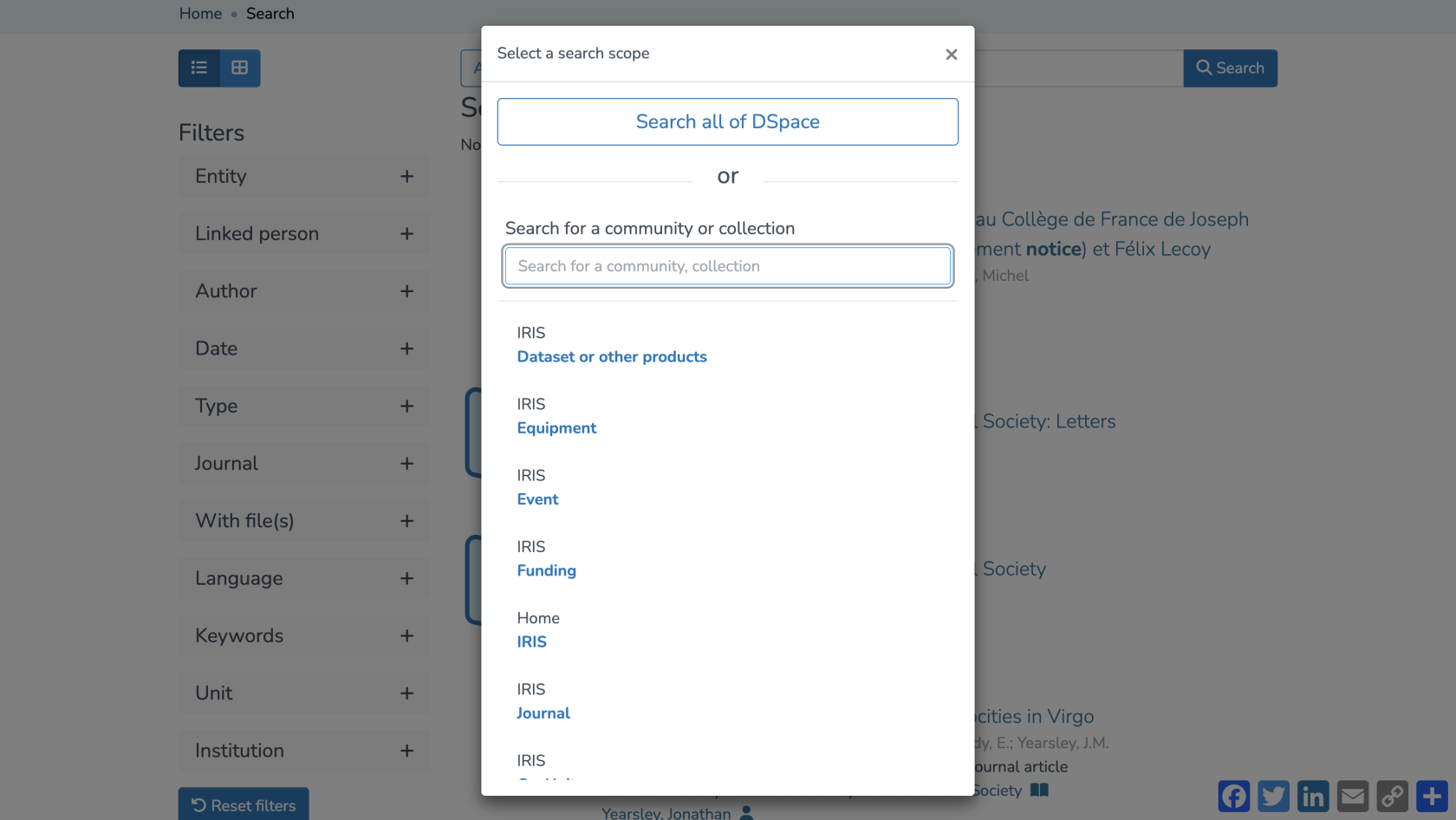](https://wiki.unil.ch/recherche/uploads/images/gallery/2025-07/te5image.png) Sorting settings are available to help organize your results as you prefer. [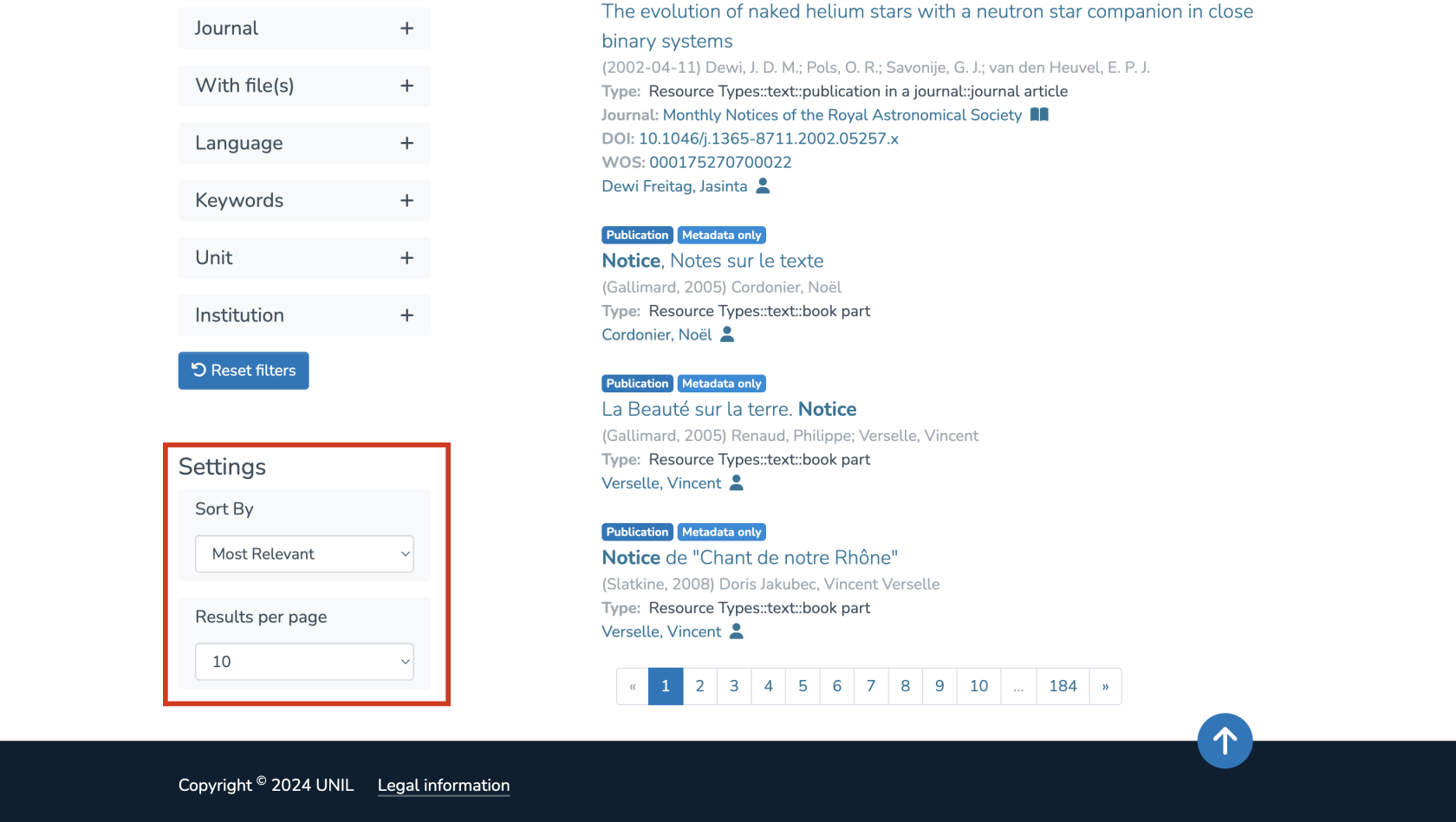](https://wiki.unil.ch/recherche/uploads/images/gallery/2025-07/VNpimage.png) You can sort by: 1. Relevance 2. Title 3. Publication date 4. Date of creation Each of these can be sorted in ascending or descending order. [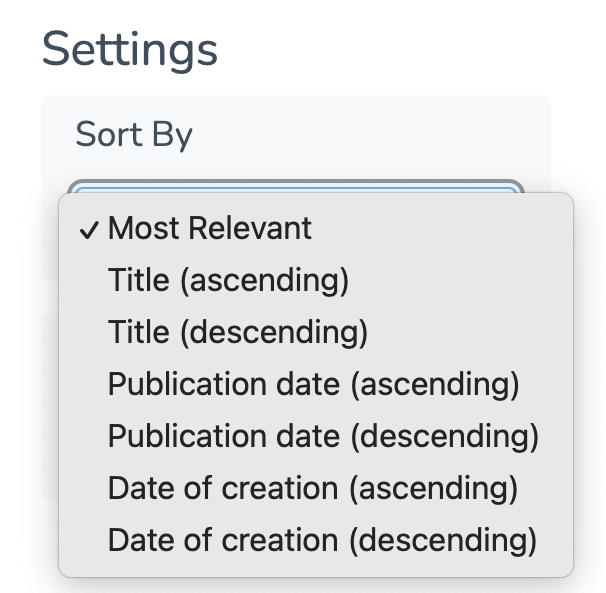](https://wiki.unil.ch/recherche/uploads/images/gallery/2025-07/oBiimage.png) You can also adjust the number of results displayed per page. [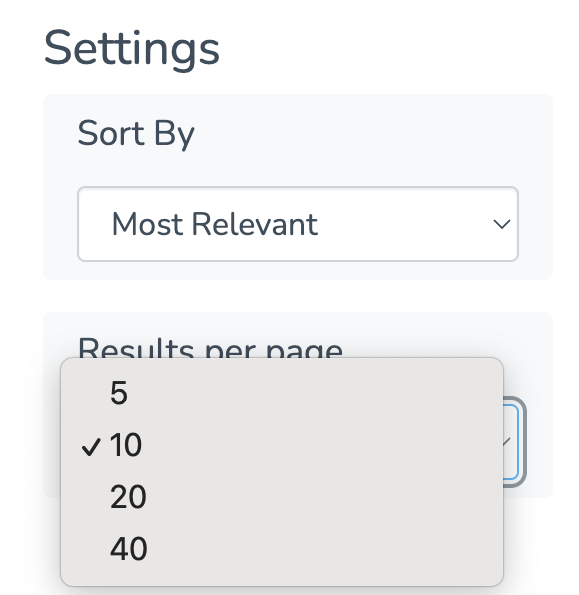](https://wiki.unil.ch/recherche/uploads/images/gallery/2025-07/bRRimage.png) #### Search by collection Another way to refine your search is to start directly from a specific collection. From the homepage, click on the collection you’re interested in. [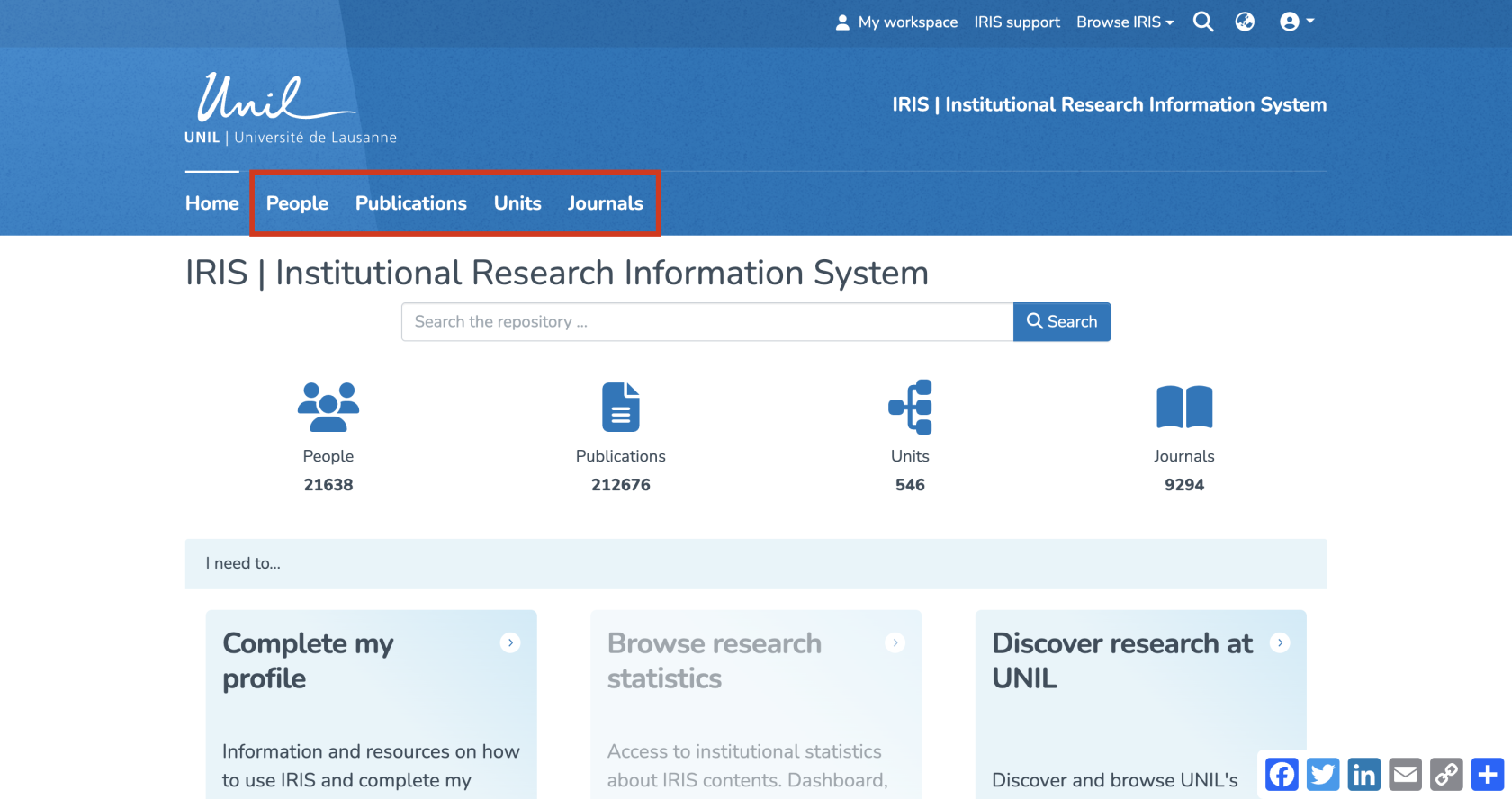](https://wiki.unil.ch/recherche/uploads/images/gallery/2025-09/WB7image.png) You’ll then be redirected to the collection-specific search page, where you can enter your keyword in the search field. [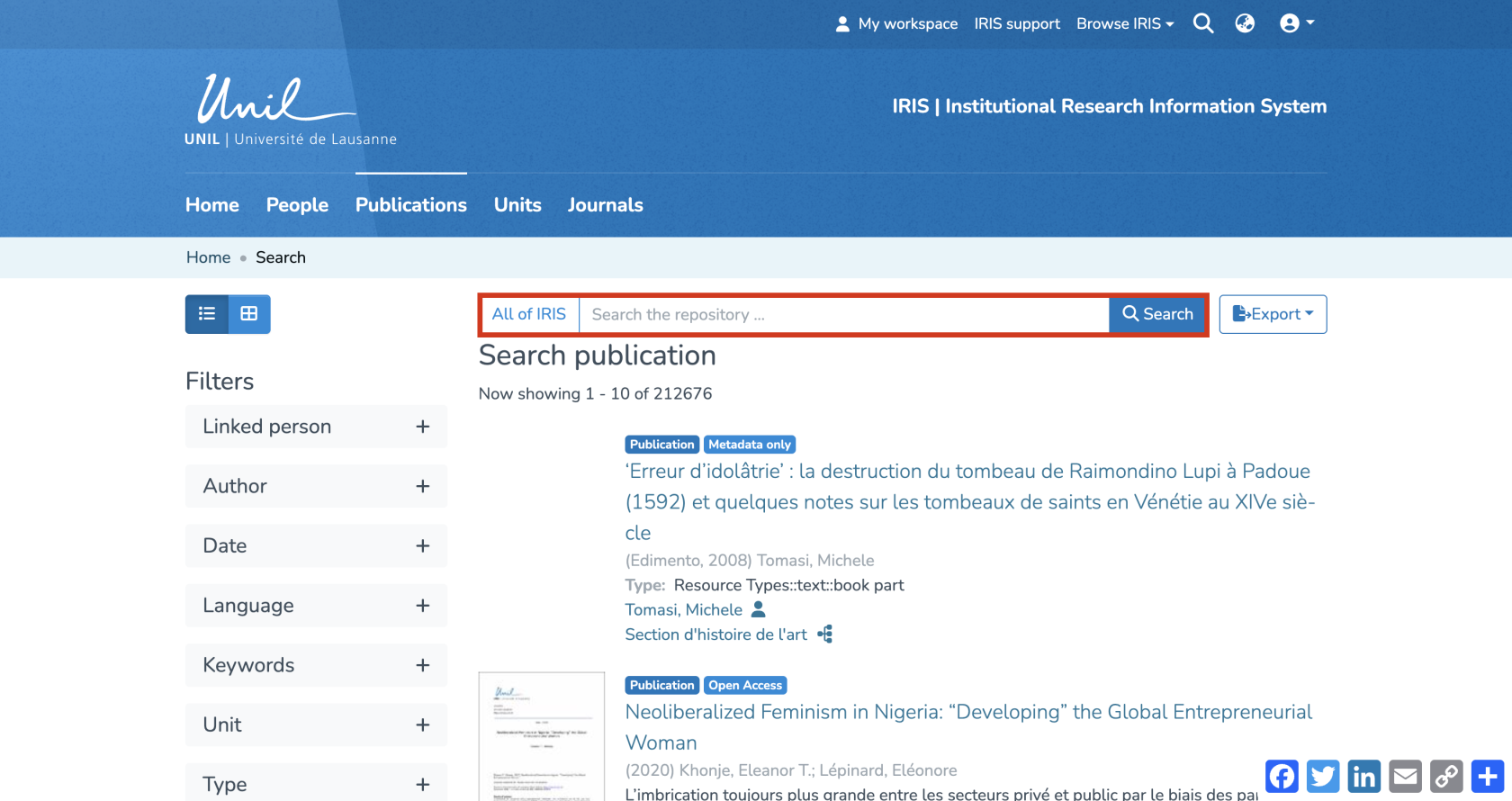](https://wiki.unil.ch/recherche/uploads/images/gallery/2025-09/iiBimage.png) The search results page will look similar, but the filters displayed will vary depending on the selected collection.