
Transfer bachelor/master
Table of Contents
- Access the Bachelor/Master transfer service
- Bachelor/Master transfer agreement
- Invoice
- Summary page
- Creation of the transfer request
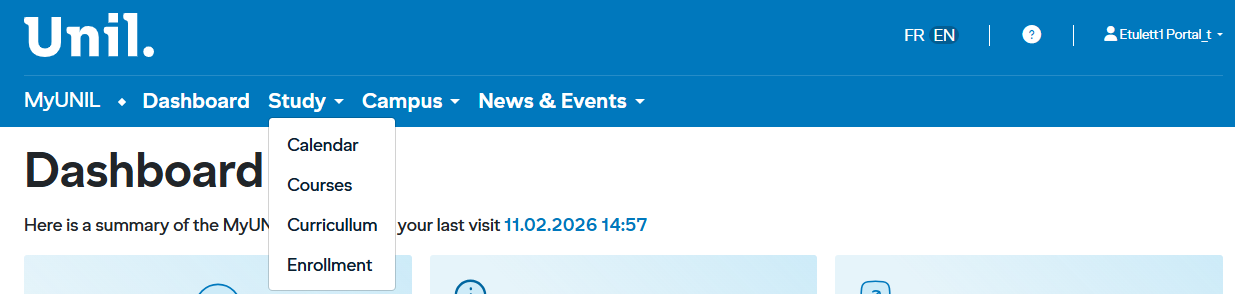
1. Access the Bachelor/Master transfer service
Log in to MyUNIL and select Enrollment from the navigation menu. The main page shows the available services in a table with the following columns:
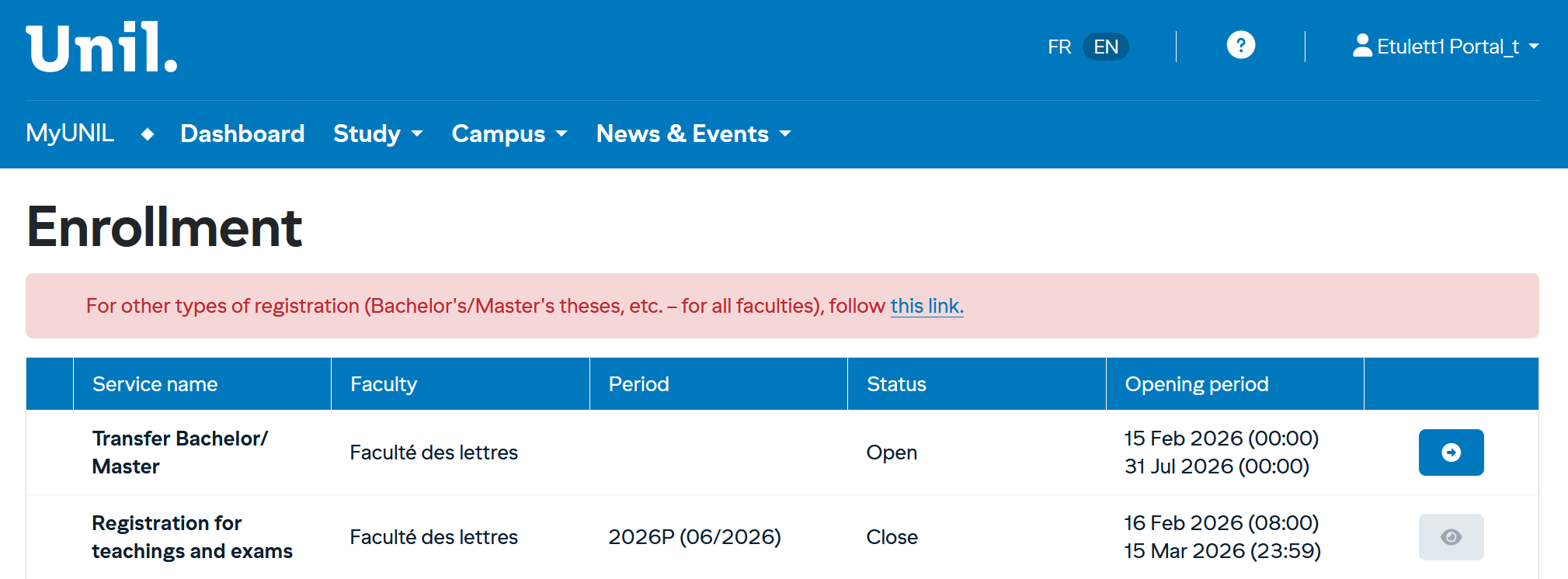
| Column | Description |
|---|---|
| Service Name | Type of operation (registration or withdrawal) |
| Faculty | Your affiliated faculty (e.g., School of Criminal Sciences) |
| Period | The relevant semester (e.g., 2025A for the winter 2026 session) |
| Status | Indicates whether the service is Open or Closed |
| Opening Period | The exact dates during which the service is accessible |
Click the blue icon on the right side of the « Transfer Bachelor/Master » row to start your registration.
👁️ Greyed-out eye — Registration closed
No action is available.
➡️ Active arrow — Registration open
Registration is available.
There are three possible views that may be displayed: the Contract page, the Invoice page, and the Summary page :
-
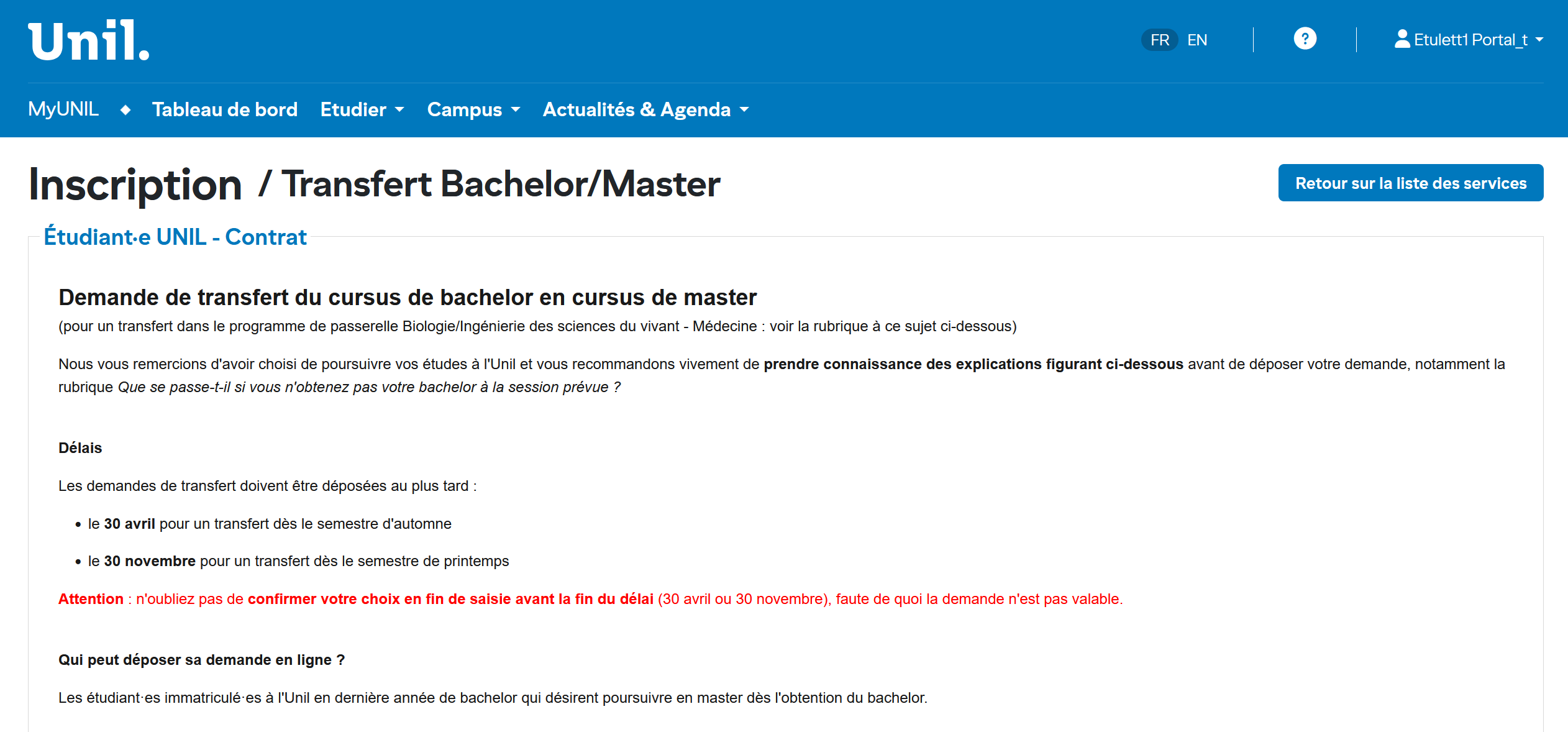
Contract page
A contract will be presented to you. Please read it carefully, as it outlines your obligations. The key points are as follows :
-
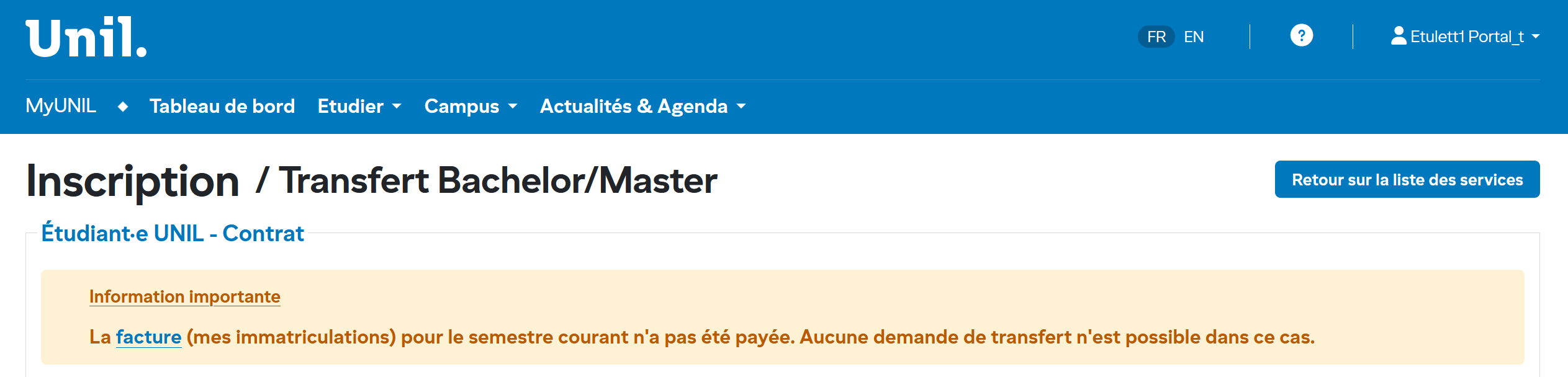
Invoice page
Payment information may be displayed on this page.
-
Summary page
This summary page is displayed once you have submitted at least one transfer request.
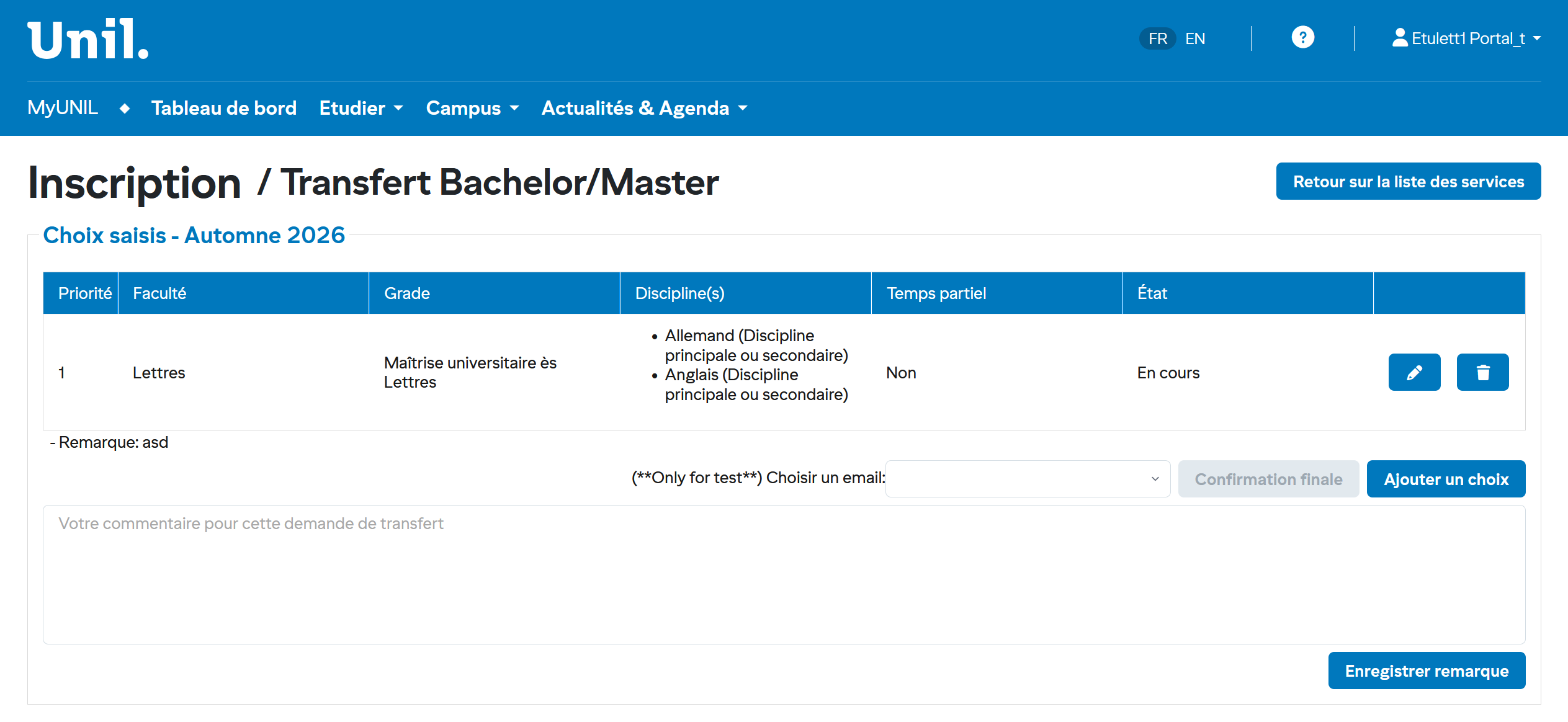
2. CréationCreation deof lathe demandetransfer derequest
1. VousEnter devezyour saisirprogram votreof cursusstudy pourto pouvoirproceed passerto àthe l'étapenext suivantestep :
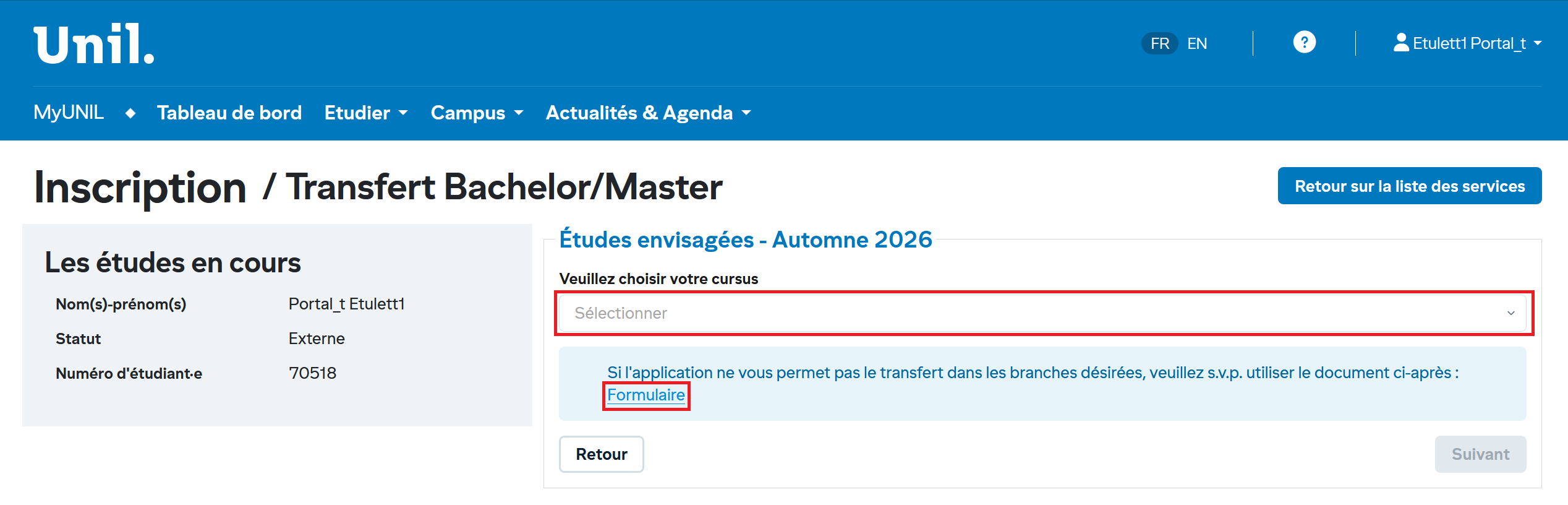
SiIf leyour cursusprogram n'estis pasnot entrelisted lesin optionsthe de la sélectionselection (combobox)combo vousbox), pouvezyou fairecan votresubmit demandeyour àrequest partirusing d'una formulaire.form. IlA existelink unto lienthe pourform celais suravailable under "Formulaire"Form".
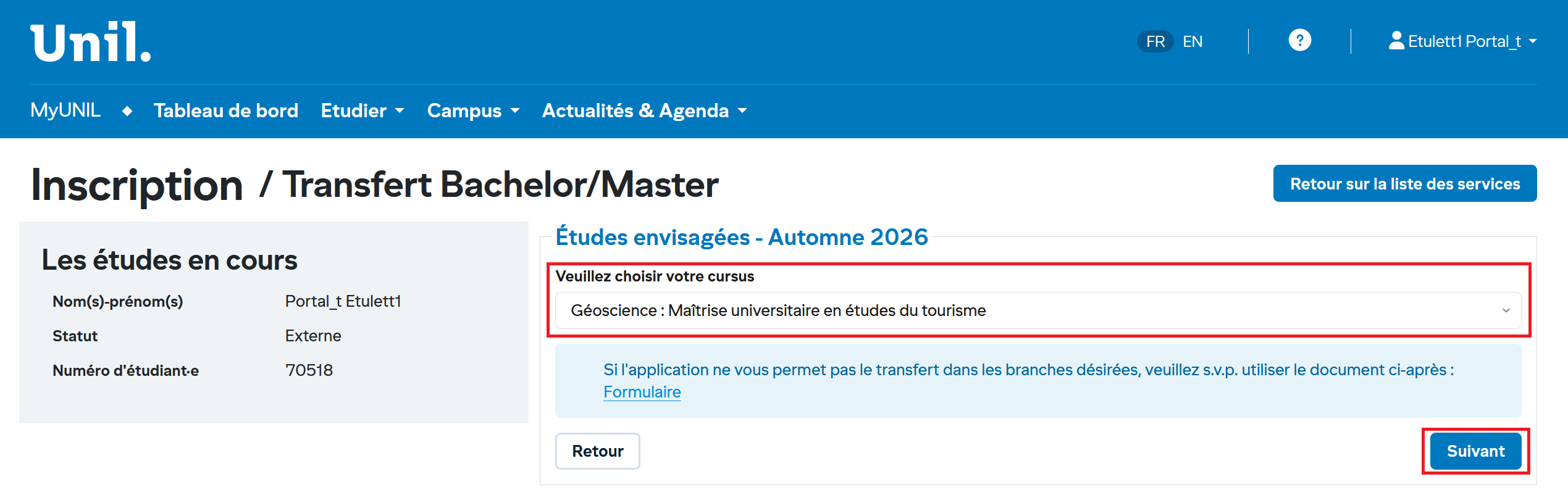
2. ChoisirSelect l'the option etand cliquezclick suivantNext :
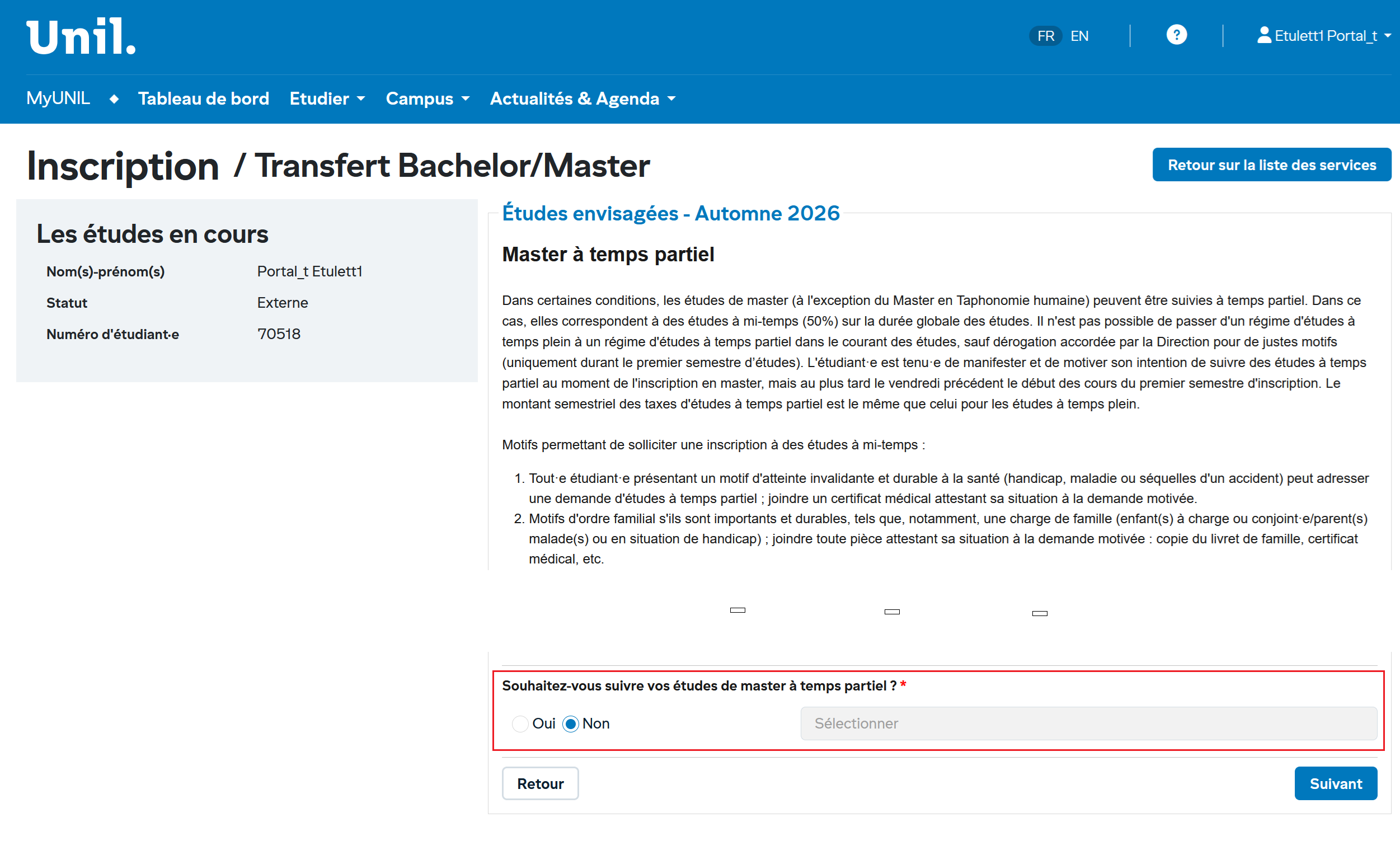
3. ChoisirSelect l'the option etand cliquezclick validerConfirm :
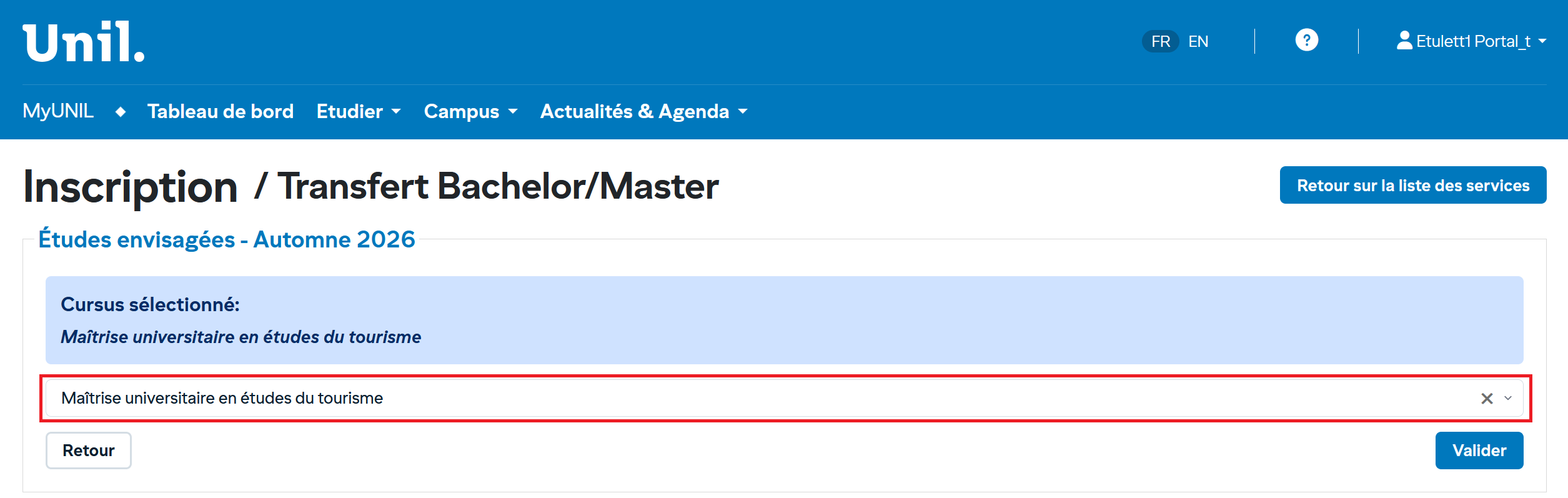
4. Valider :Confirm: cettethis action créerawill lacreate demandethe detransfer transfertrequest etand vousredirect redirigerayou versto lathe pageSummary Résumé.page.