
External users: request an UNIL IT account (neither student nor employee)
Description
Access (IT account with or without a personal @unil.ch email address) is not automatically created for people outside UNIL (i.e., people who are not enrolled in a study program or employed by UNIL). The procedure below explains how external users can obtain a UNIL computer account with or without a personal email address.
Procedure
Step 1 - Creating an edu-ID account
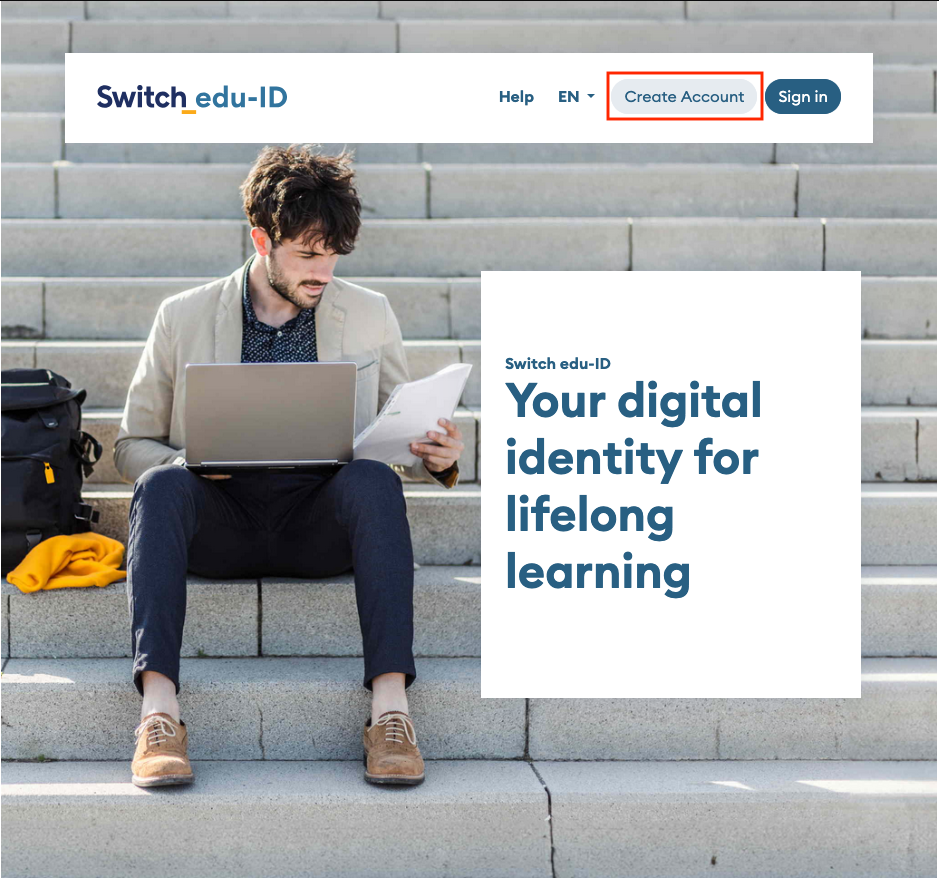
- Go to https://eduid.ch/, choose Create account.
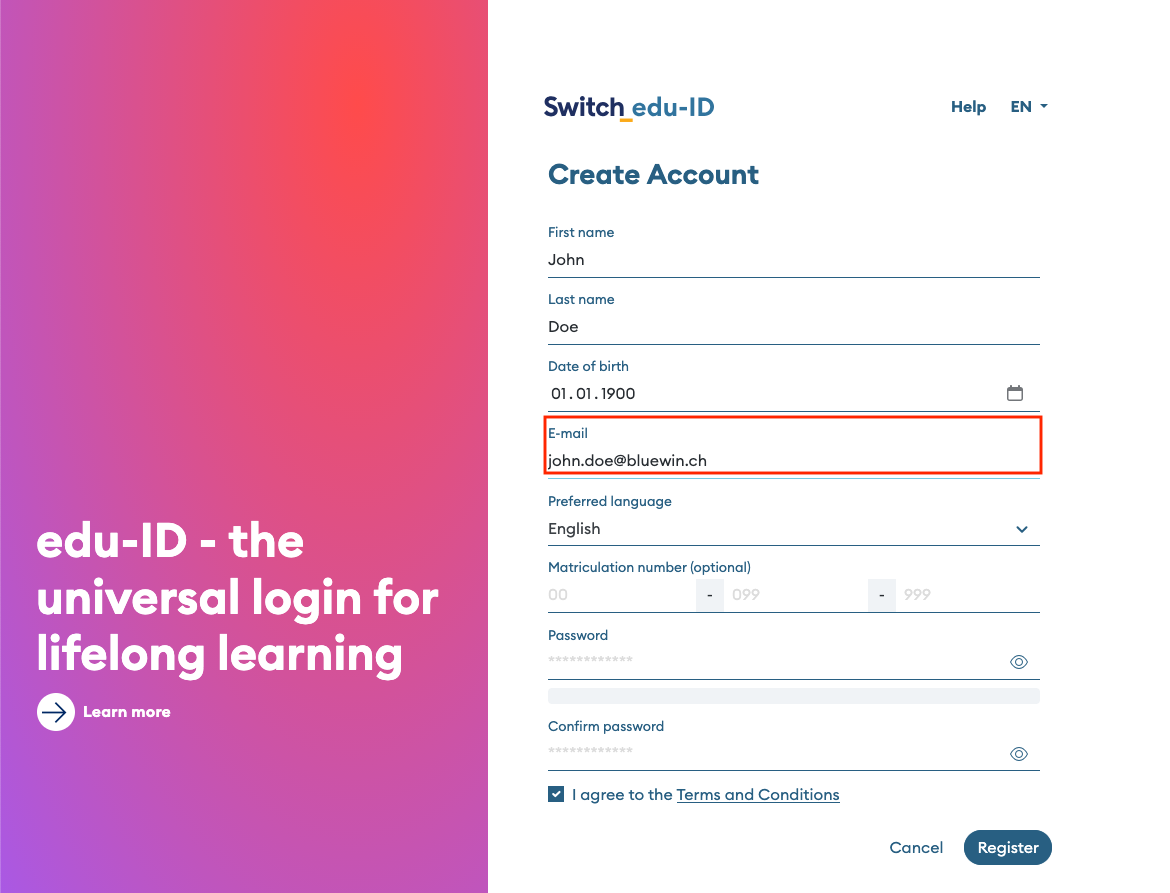
- Create an account using a private email address (e.g., @gmail.com; @bluewin.ch, etc.) and follow SWITCH's instructions to verify it.
Step 2 - Request an UNIL IT account
- Go to the UNIL IT account creation request form and log in with the edu-ID account you created earlier to access it (if you do not have an edu-ID account, please follow the procedure described on this page in step 1).
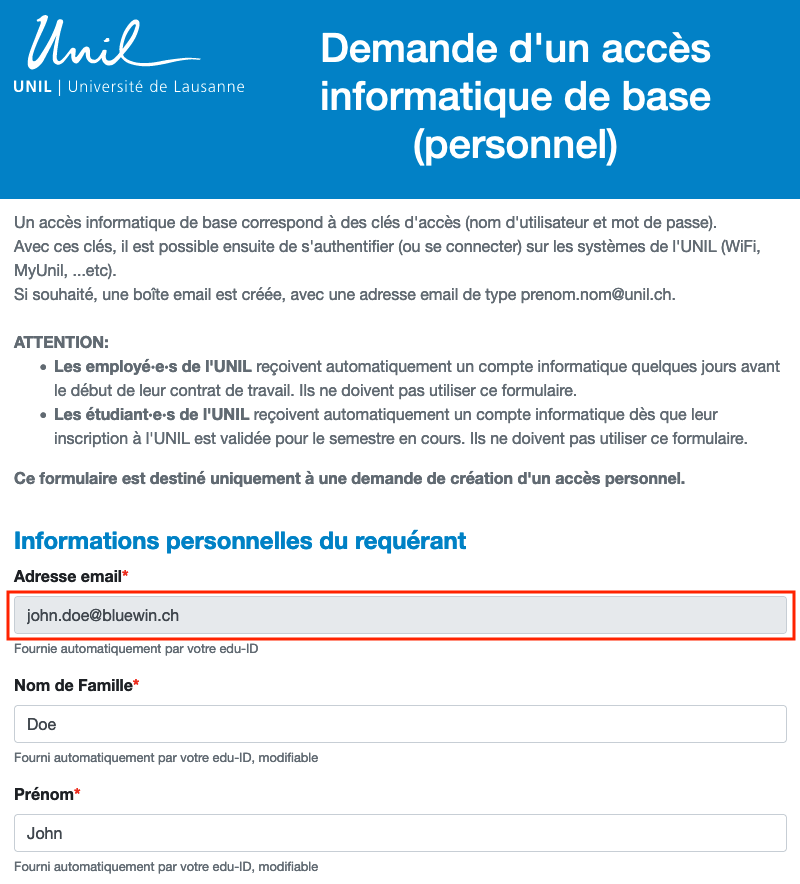
- The form will open with your edu-ID information (last name, first name, private email address provided – instructions for activating your UNIL account will be sent to this email address) and will link you to the user group “External users of the Faculty of Biology and Medicine (FBM) or CHUV.”
- Fill out the UNIL account application form, paying particular attention to the following points:
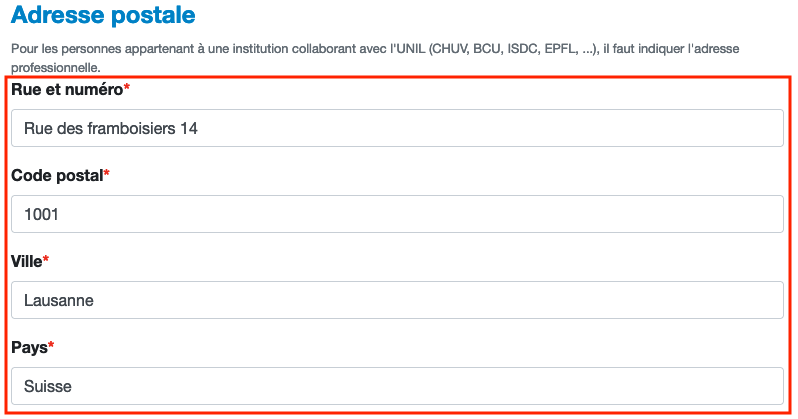
- "Adresse postale": enter your private mailing address.
-
- "Groupe de personnes auquel vous appartenez": keep selection External to the Faculty of Biology and Medicine (FBM) or CHUV
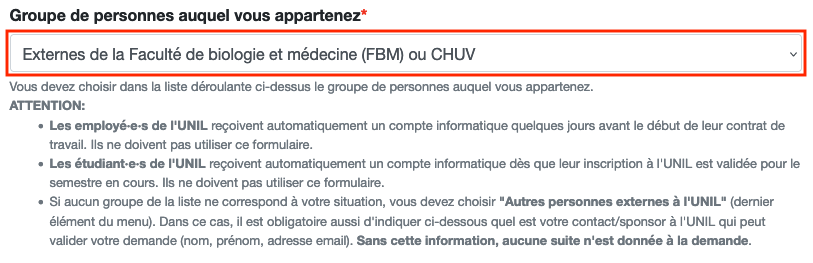
-
- "Créer une boite email UNIL personnelle?", choose Yes only if necessary.
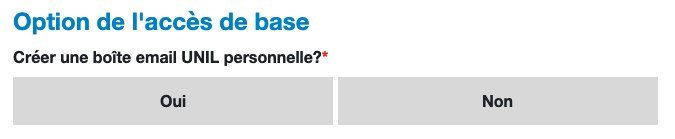
-
- "Date de fin de la collaboration": indicate how long you need UNIL access (maximum 18 months).

-
- "Informations
SponsorSponsor": Provide the contact details of the person at UNIL who hired you and who will supervise you during this collaboration. Without this information, your request will not be processed.
- "Informations
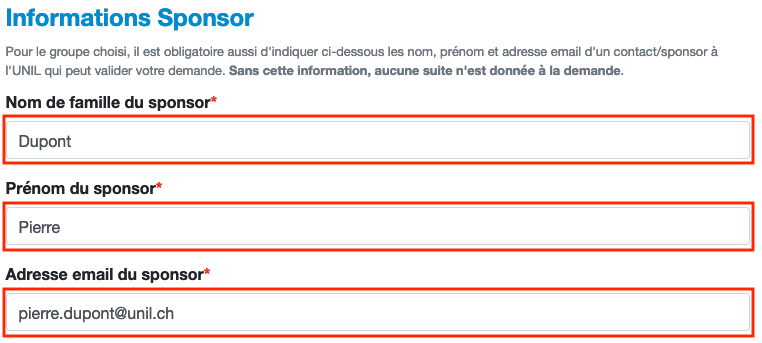
-
- "Justification/
explicationexplication": indicate the purpose of your collaboration and the access you need to UNIL systems or applications.
- "Justification/

- Instructions for activating your UNIL IT account online will be sent to you by email to the email address displayed in the email address section under Informations personnelles du requérant.
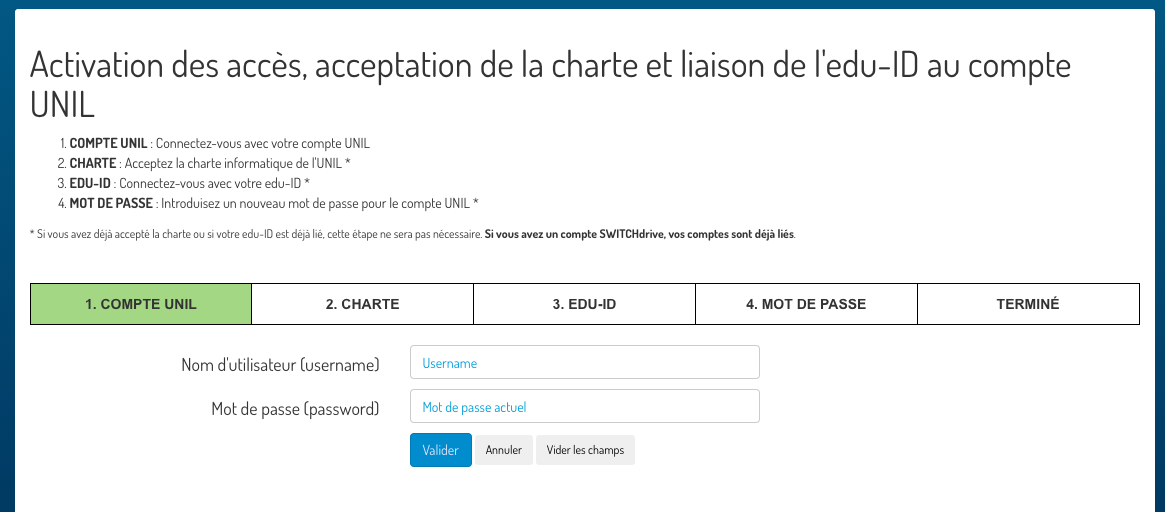
The UNIL account for external users is valid for a maximum of 18 months. You will receive automatic blocking information one month before the account is actually blocked.