
Remote support | On-Demand Assist app (by RealVNC®)
Description
When the FBM IT support cannot come to your workplace, we use On-Demand Assist by RealVNC® to provide remote support. This service is available for all configurations (Windows, OSX, Linux) and allows your IT manager to view your screen, send you documents, and take remote control of your computer.
Each session with On-Demand Assist uses unique access identifiers, valid for a single intervention, only in your presence and with your consent.
Starting a session
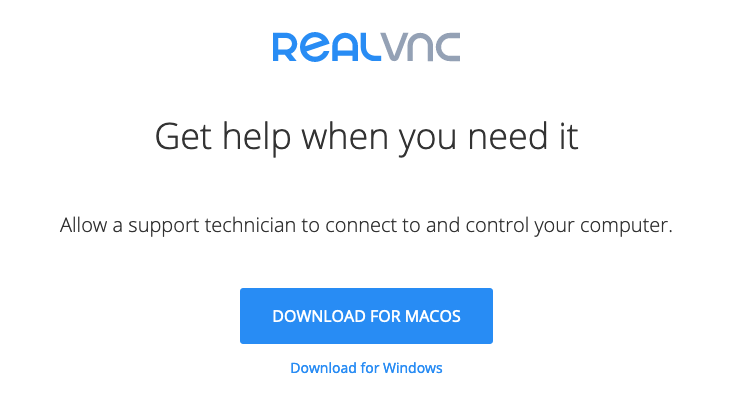
- At the request of your IT manager, go to https://www.realvnc.help/ and download the temporary troubleshooting application (On-Demand Assist app) if it is not already installed on your computer.
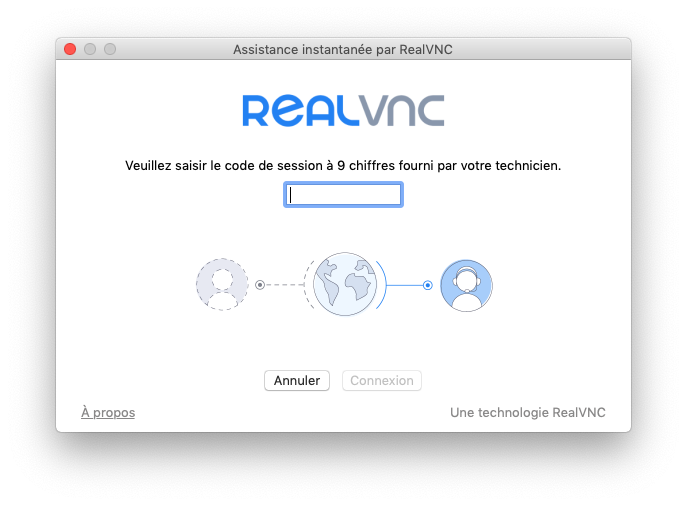
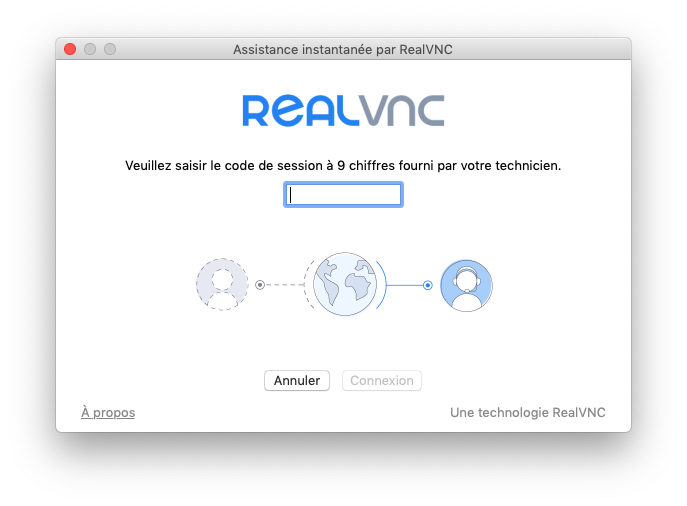
- Launch On-Demand Assist and enter the 9 digits session code provided by your IT manager.
- Accept the privacy notices.
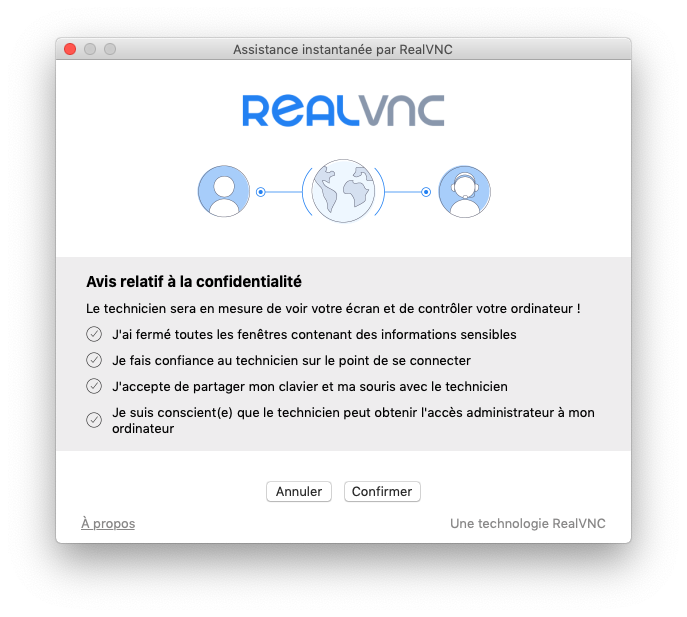
- This allows your IT manager to access your computer and view your screen in order to provide remote assistance.
Closing the remote session
The On-Demand Assist session ends automatically if you click the End Session button or if your IT manager closes the application.