FBM Utility - user documentation
General informations
| Name | FBM Utility |
|
Type |
Windows application |
| Description |
Support and print application |
| Price | Free of charge |
Description
FBM Utility is a small support application installed on FBM's Windows computer.
How to request support
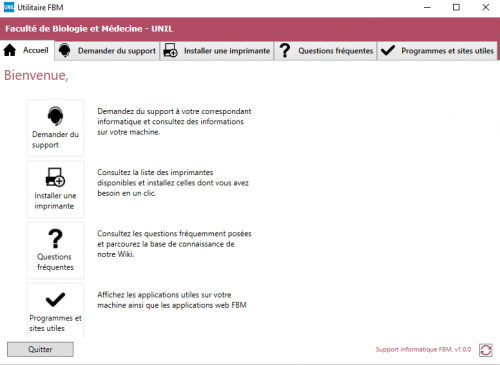
- Launch FBM Utility (shortcut on desktop).

- Choose Request support.
-
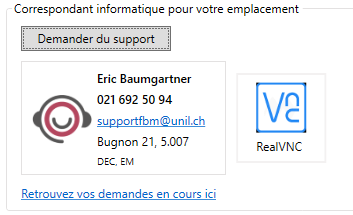
Click on Support request to write a message to the FBM support (supportfbm@unil.ch).
-
If you have RealVNC on your computer, click on the icon to start RealVNC (remote support service).
-
If you have recently contacted IT support, click on Find your current requests here to check the status of your requests.
How to install a printer
Mac user? Please contact the local IT manager of your department to install printer on your Mac.
Identify the printers in your department in the list of the FBM printers.
- Launch FBM Utility (shortcut on desktop).
- Open the printer installation tab.
- Choose your printer and click on Install.

- The printer is now correctly installed on your computer.
Useful documentation and website
- Launch FBM Utility (shortcut on desktop).
- Open the FAQ tab to access useful documentation.

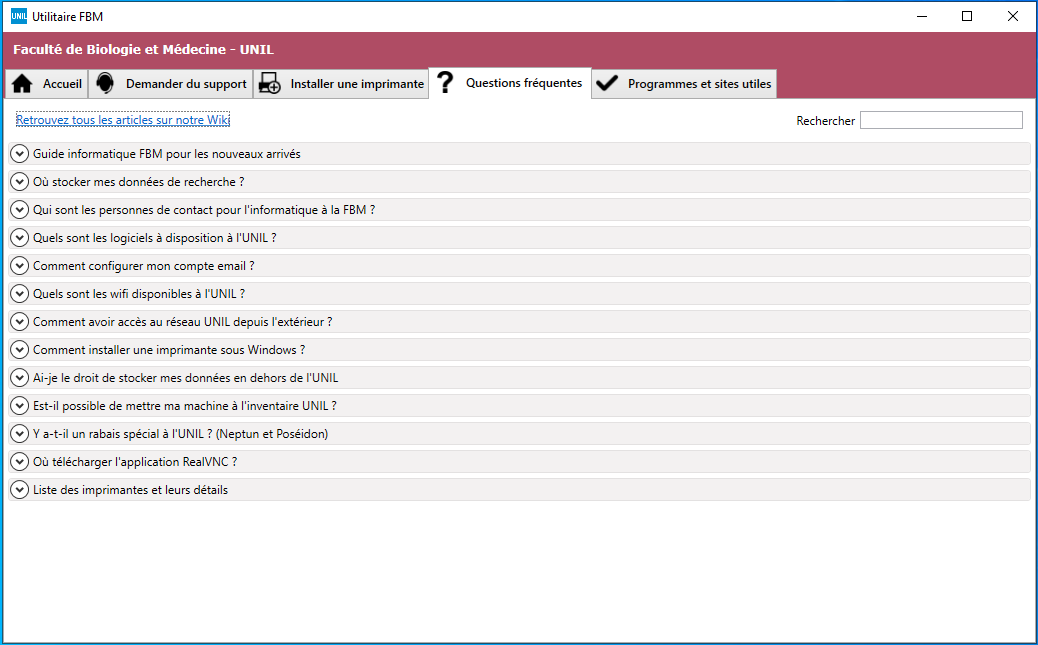
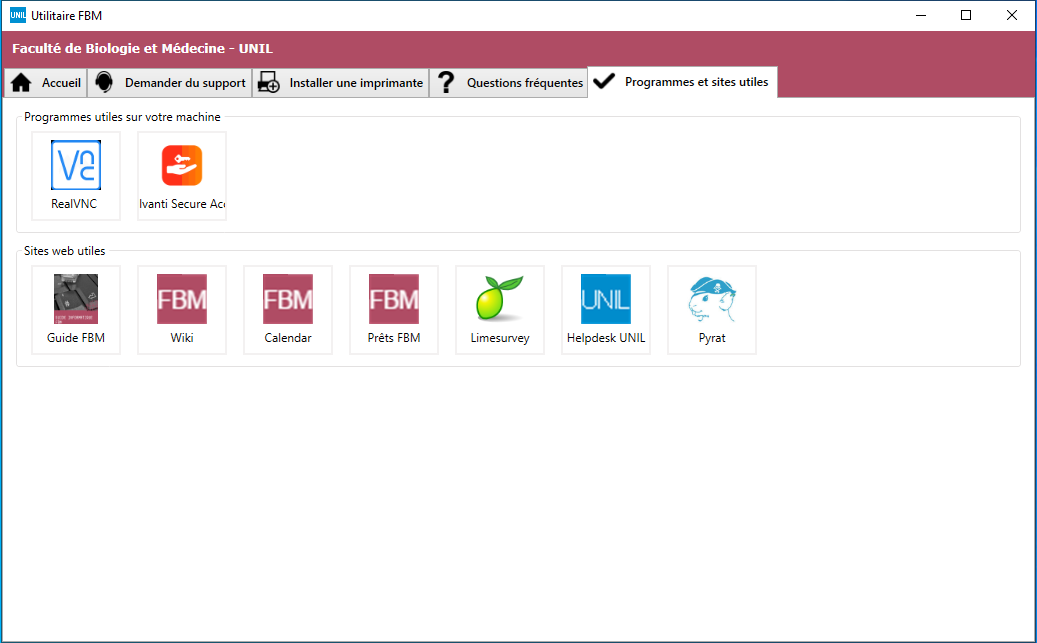
- Select the Software and useful websites tab to find the support software installed on your computer and shortcuts to the FBM web applications available to you.